
Free Packing Slip Generator
Create a clear, professional packing slip for every customer order in minutes. Add your business details, shipping information, products, quantities, and notes – then download or print your packing slip.
No complicated formatting. No starting from scratch.
Ship to
Shipped from
| Product | SKU | Ordered | Shipped | Backordered | Unit price | Amount | |
|---|---|---|---|---|---|---|---|
| Total | — | — | — | — |
Notes
Your packing slip is ready
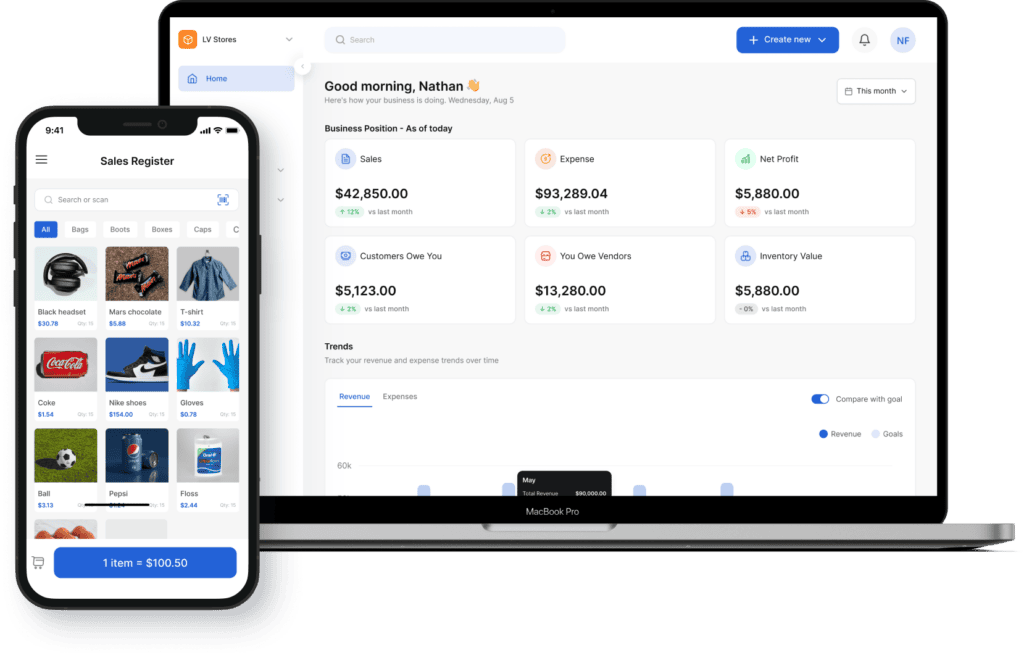
Vencru brings inventory management, invoicing, and accounting together.
Start 14-day Trial
Create Your Next Packing Slip for Free
Manage your inventory across different locations, record sales, track profits, and generate packing slips from one simple system.
FAQ SECTION
Questions about Packing Slips
What is a packing slip generator?
A packing slip is a shipping document that lists the products included in a package or delivery. It commonly contains the seller’s information, recipient’s details, order number, shipment date, product descriptions, SKUs, and quantities shipped.
The document is usually placed inside the package. It allows the person packing the order and the person receiving it to verify the shipment’s contents.
Packing slips may also be called packing lists, shipping lists, package slips, or delivery packing slips. The exact name may differ between businesses, but the purpose is generally the same: to provide a clear record of what was shipped.
Packing Slip vs. Invoice: What Is the Difference?
A packing slip describes the physical contents of a shipment. An invoice requests payment and normally includes product prices, taxes, discounts, payment terms, and the total amount due.
A customer may receive both documents for the same order, but they serve different purposes:
Packing slip: Helps the sender and recipient verify the products shipped.
Invoice: Tells the customer how much they owe and how to pay.
Purchase order: Records what the buyer requested from the supplier.
Using the right document at each stage makes it easier to manage an order from purchase through delivery and payment.
Can I use a packing slip for a partial shipment?
Yes. List only the products and quantities included in the current shipment, or clearly identify what has shipped and what remains outstanding. This helps customers understand that the rest of the order will arrive separately.
What information should be included on a packing slip?
A packing slip commonly includes the seller’s business details, the customer’s name and shipping address, an order or packing slip number, the shipment date, product names, SKUs, descriptions, and quantities shipped. You can also include delivery instructions or notes.
Does a packing slip include prices?
Packing slips generally do not need to include product prices, payment terms, or totals. Those details usually appear on the invoice. Leaving prices off the packing slip is especially helpful for gift orders or shipments sent directly to a buyer’s customer.
Guide
How to create a packing slip
Export your products, customers, and suppliers from Unleashed, and we'll help you bring them into Vencru — free. Most businesses are invoicing again the same day.
Free tools & templates
Run the numbers before you run the software
Get free business templates and tools you can use right now. Free spreadsheets built for wholesale and retail.
Invoice generator
Add your logo, line items and tax, and download a branded PDF invoice in under a minute. Nothing to install.
Purchase order generator
Build a purchase order your supplier can act on — quantities, unit costs, delivery terms — and send it as a PDF.
Bookkeeping
Track income, expenses and profit in a sheet that's already set up for you.
Excel · Google Sheets · PDF
Get the template →Inventory
Log stock levels, reorder points and stock value across every product.
Excel · Google Sheets · PDF
Get the template →Expenses
Record and categorise spend so nothing is missing when tax season lands.
Excel · Google Sheets · PDF
Get the template →Packing slips
List what's in every box so customers can check the order on arrival.
Excel · Google Sheets · PDF
Get the template →Templates get you started. They don't reconcile.
Vencru does the same jobs automatically — stock, invoices and accounting in one login, from $6/mo.