Built for shops, wholesalers, and small teams

Online invoicing software for small businesses

Send clear invoices. See who has paid and who still owes you. Vencru links your sales to your stock and books, so you spend less time on admin.

Start your free trial

14-day trial · No credit card required · Web, iOS, and Android
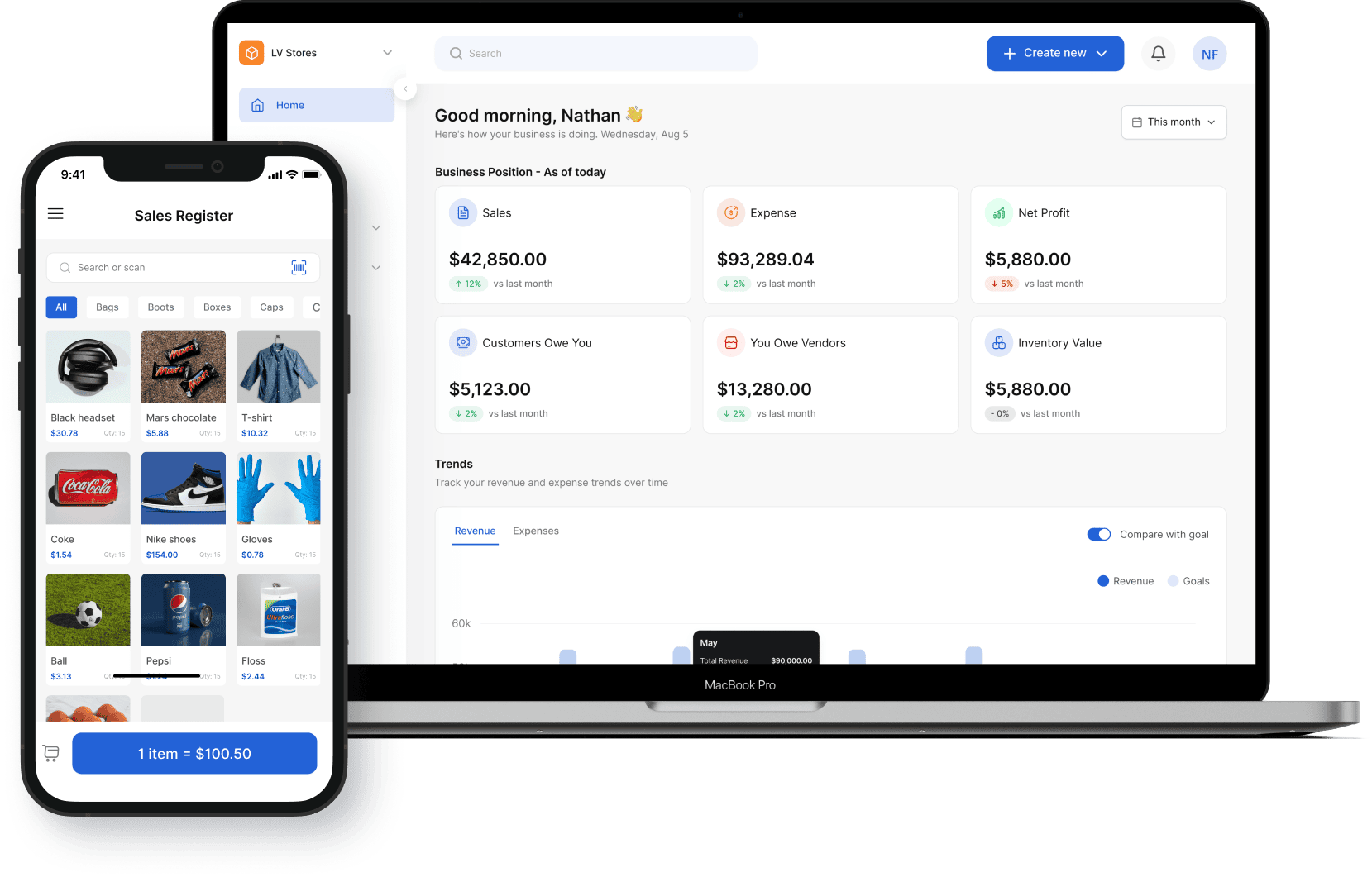
Online invoicing software

How it works together

Invoice and billing software for the way you sell

You sell goods, send bills, and follow up on payments. Bring those tasks into one place. From a first order to the last payment, Vencru helps you see what is due.

1 Sale

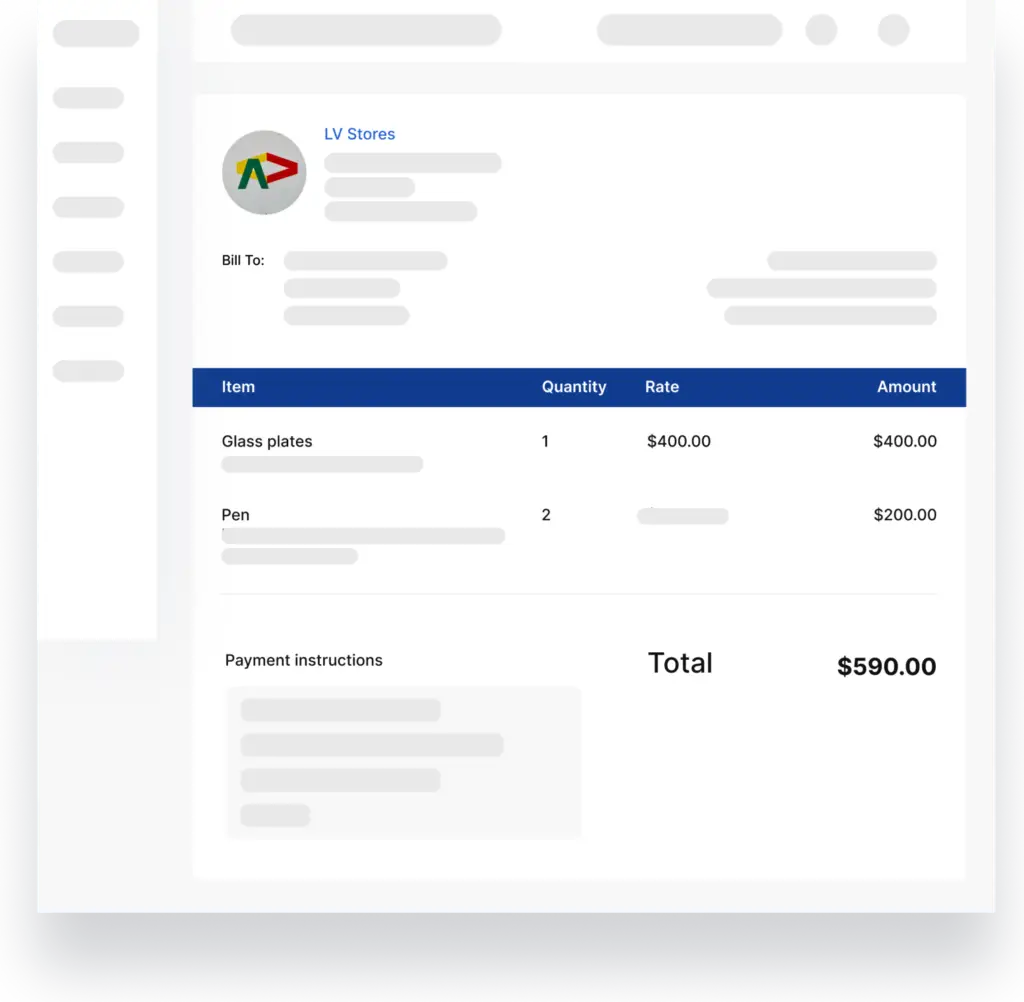
Create and send invoices online

Send invoices to customers on the go, showcase your business branding, and organize your sales with our invoice software.

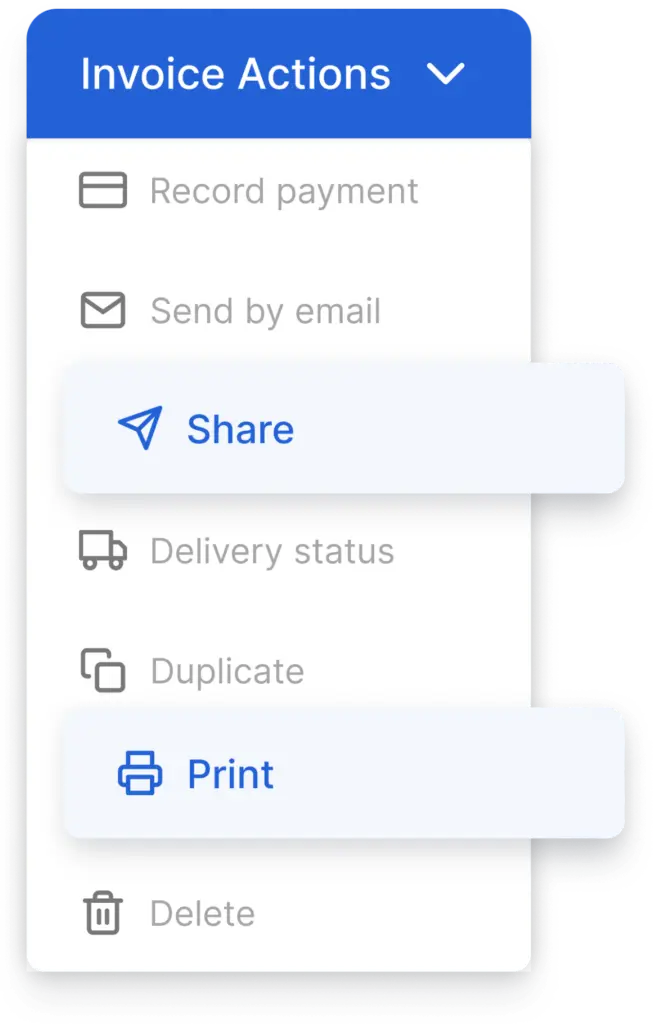
  • Send invoices by email or share a link.
  • Download a PDF or print a copy.
  • Create invoices from your phone or computer.
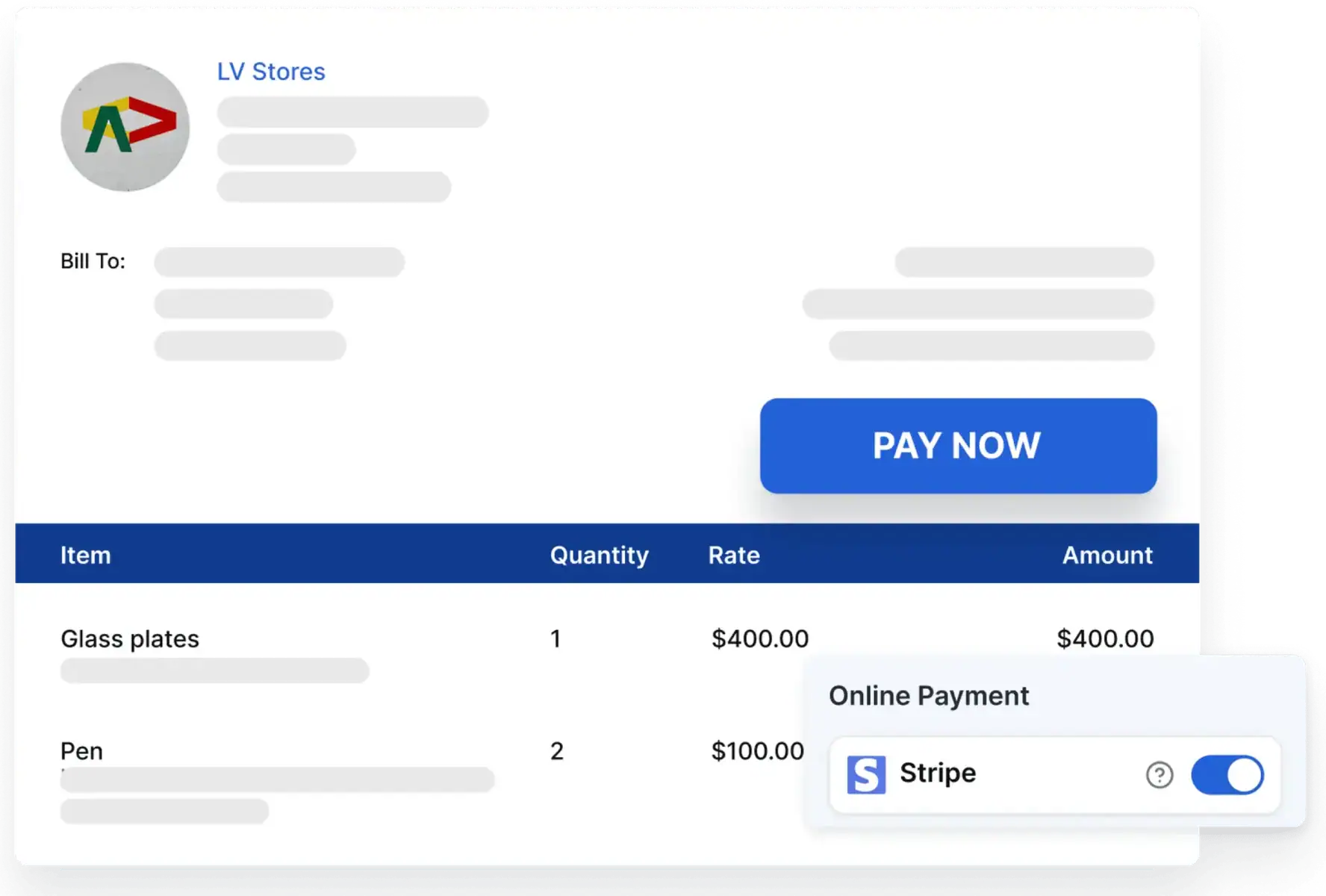
Create and send invoices online
2 Payments

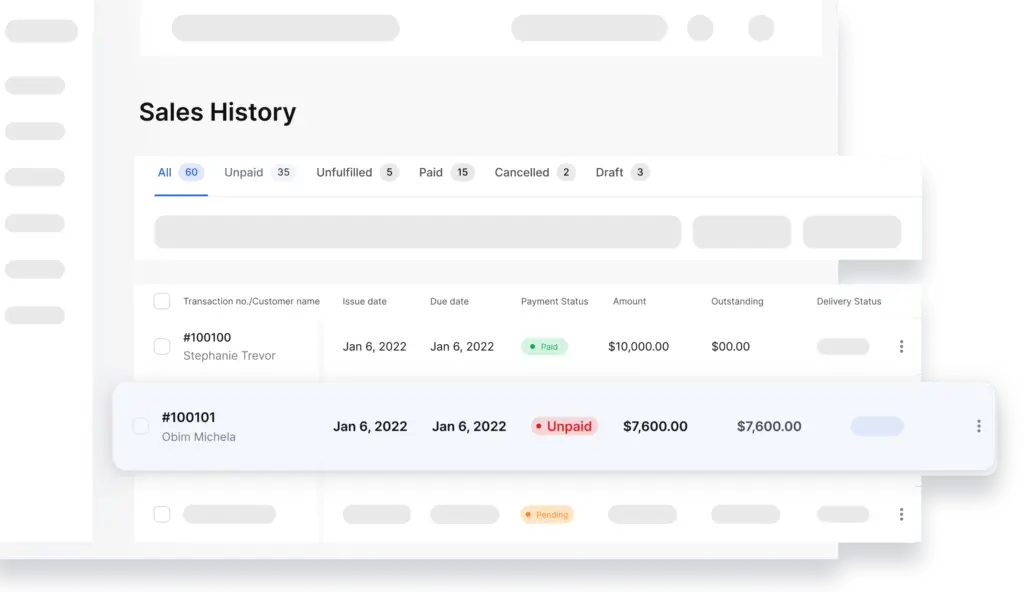
Track unpaid invoices and payments

Know what each customer owes without checking a spreadsheet. View paid, unpaid, and overdue invoices, then follow up on the balances that need your attention.

  • Record full or part payments.
  • Send reminders for overdue invoices.
  • Share customer statements with the balance due.
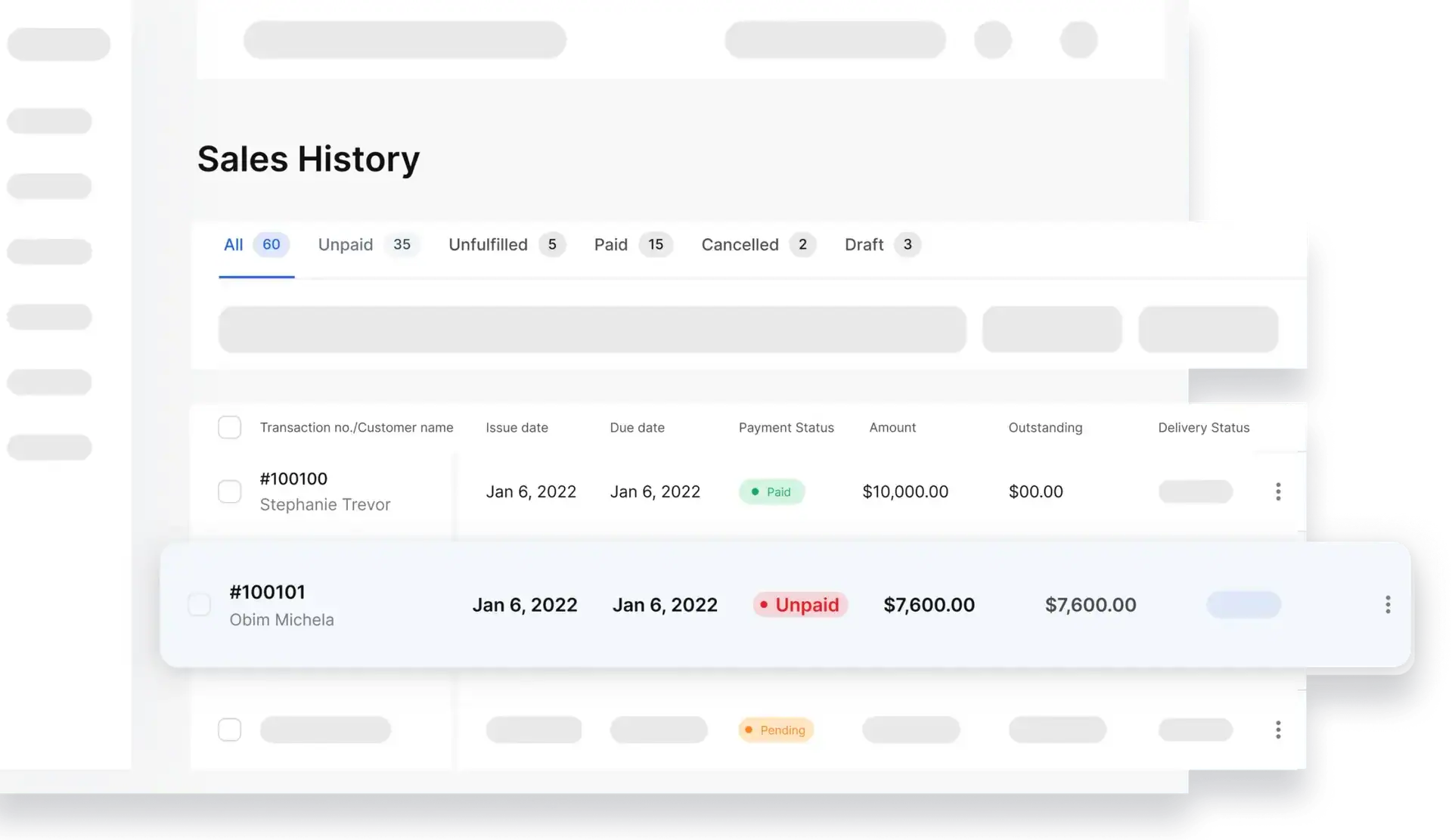
Track unpaid invoices and payments
3 Online Payments

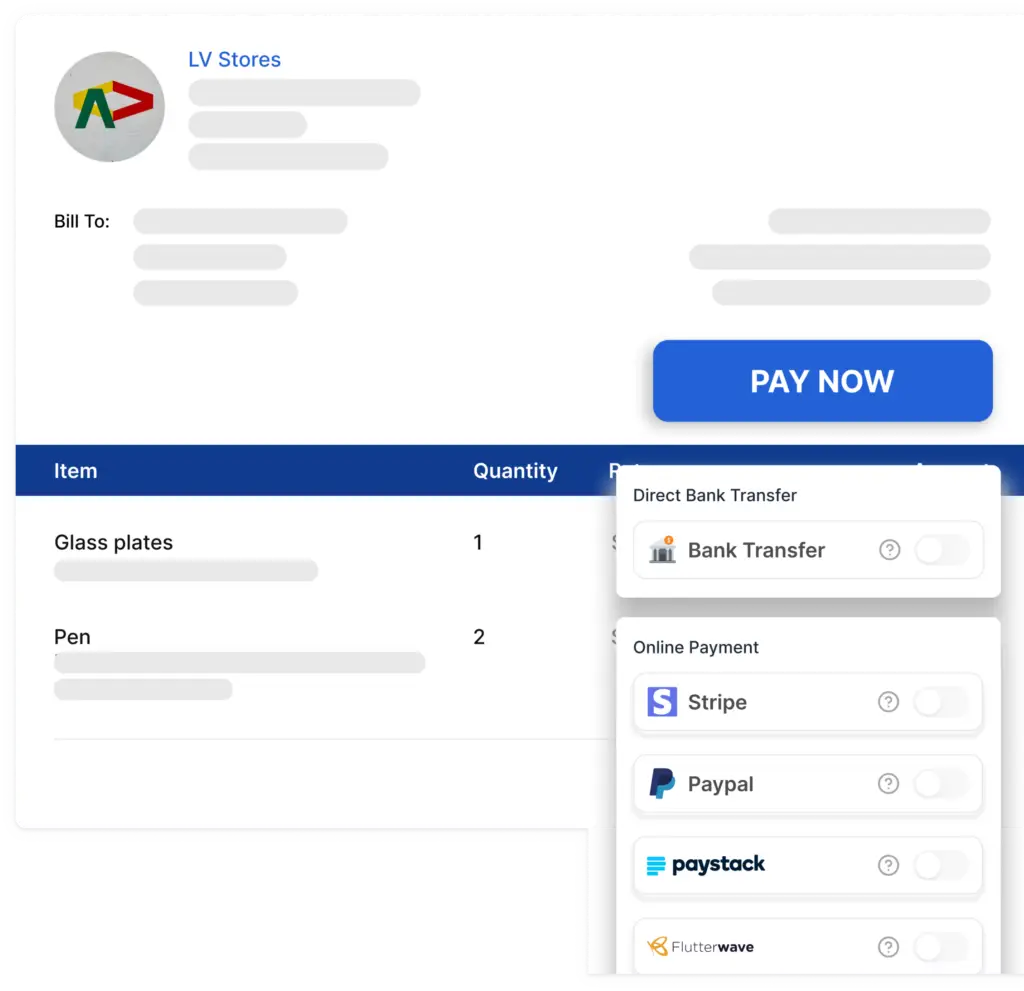
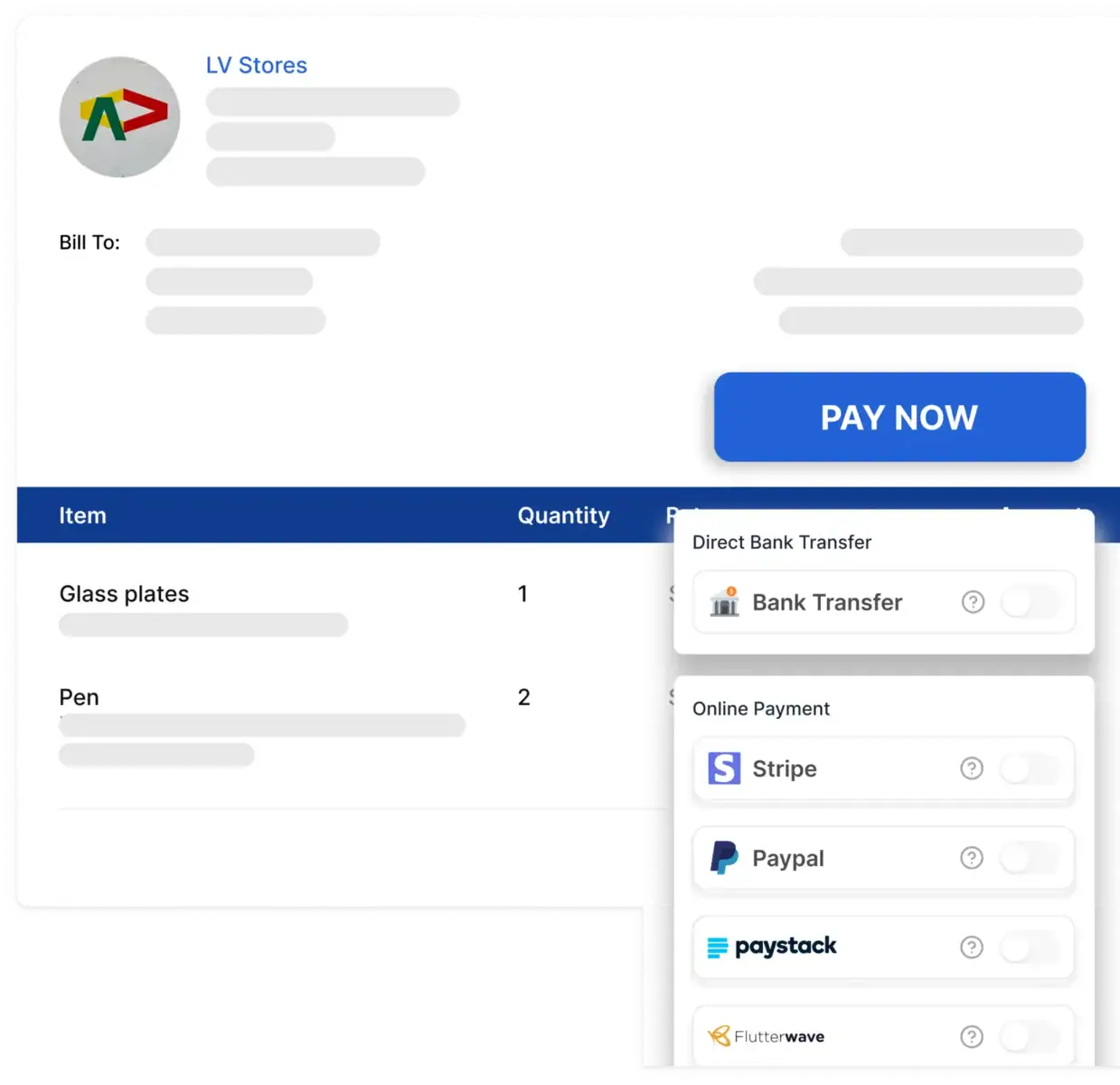
Accept online payments and record offline payments

Give customers a way to pay through your linked payment provider. If they pay by cash or bank transfer, record the payment against their invoice. Your team can check what has been paid and what is left to collect.
Accept online payments and record offline payments
4 Stock tracking

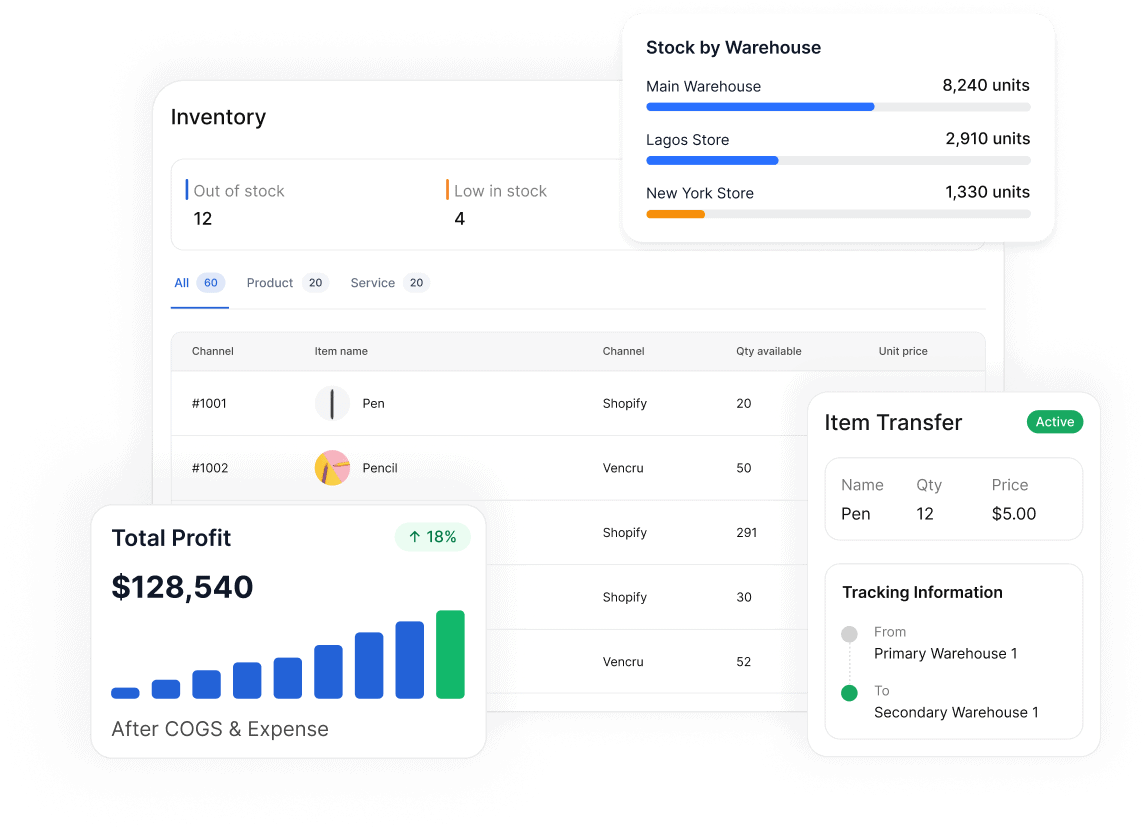
Invoicing software with inventory tracking

Sell goods without keeping a second stock sheet. Vencru connects your product sales to the stock you hold. When you record a product sale on an invoice, the sold items come out of stock. Check what is left as you take the next order
Invoicing software with inventory tracking
5 Sales Taxes

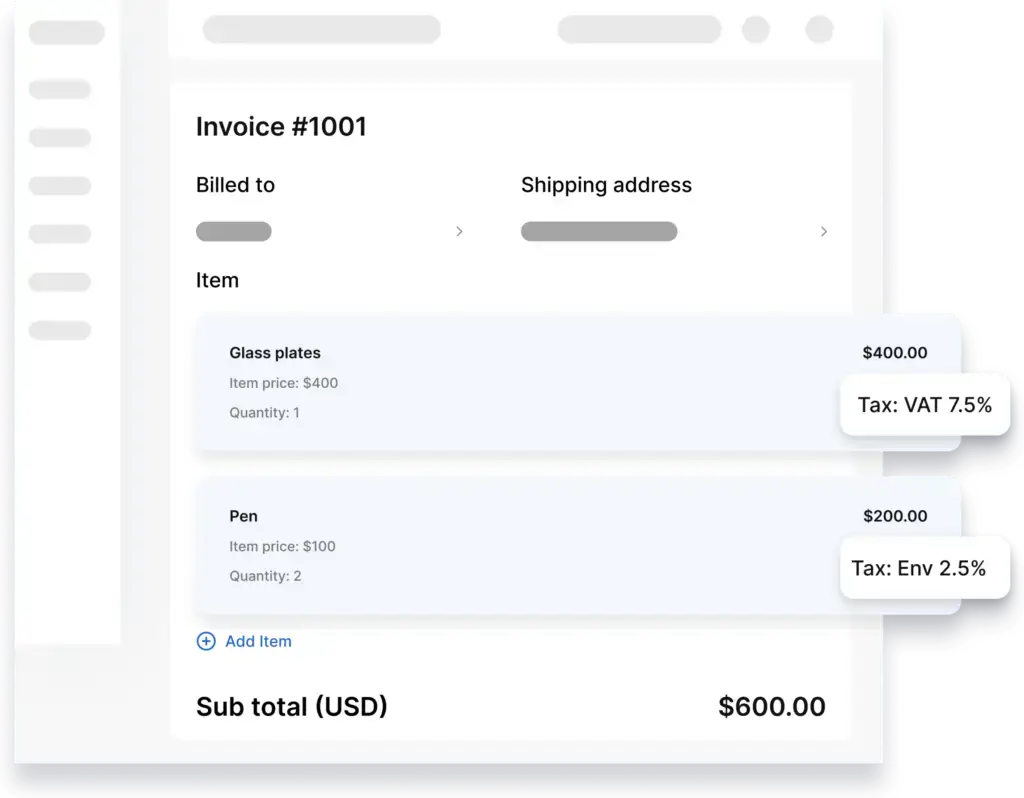
Add individual sales taxes to invoices

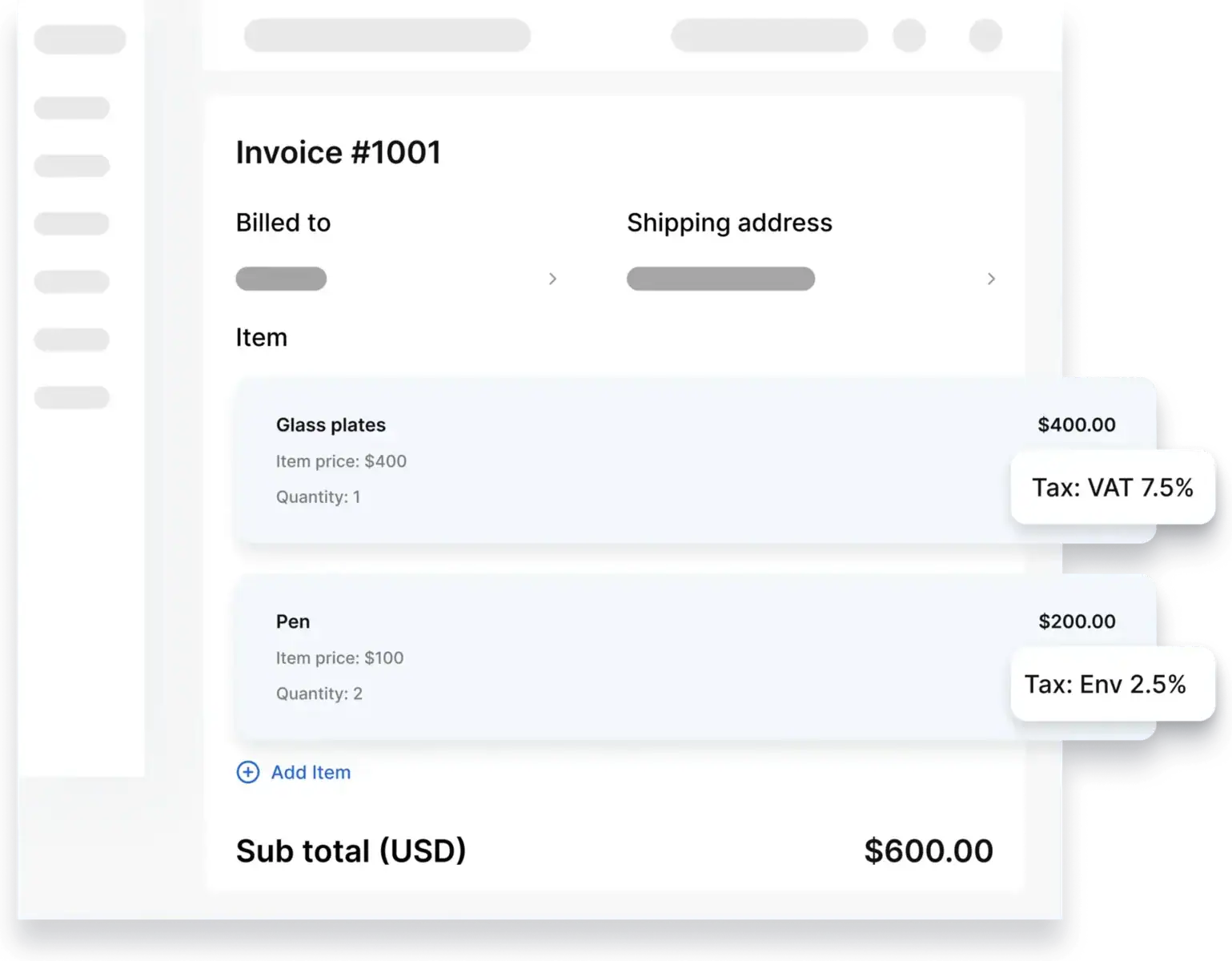
Individal sales tax rates can be set up on our invoicing software for small businesses and applied when creating invoices.

  • Set individual taxes to item
  • Avoid creating separate invoices just to assign different individual taxes
  • Run tax analysis reports based on different tax groups
Add individual sales taxes to invoices
6 Multi-currency

Send invoices in different currencies

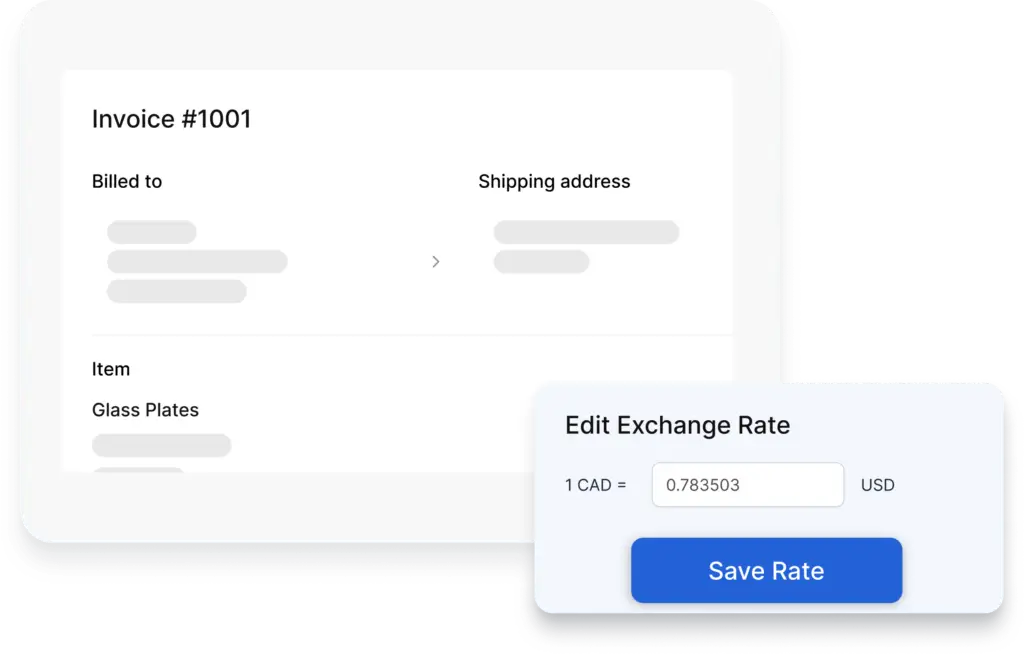
Bill customers in the currency they use. Enterprise includes multi-currency invoicing and accounting for businesses that sell across borders.


Send invoices in different currencies

Features of our invoicing software

Create invoices online free

Send invoices to customers on the go, showcase your business branding, and organize your sales with our invoice software.

invoicing software
Screenshot of Vencru Invoicing and Inventory management software showing Invoice List

Track debtors

Automatically calculate which clients owe you or what invoices have not been paid.

Receive payment faster by accepting online payments and ACH

Accepting payments is easy with Vencru invoice software for freelancers. Get paid faster and securely by using our trusted partners.

invoicing software
image showing sales taxes in an invoice with individual taxes for each item

Add individual taxes to invoices

Individal sales tax rates can be set up on our invoicing software for small businesses and applied when creating invoices.

Print and share invoices

You don’t have to worry about channels you can send invoices to.

screenshot showing an invoice with multi-currency feature

Send invoices in different currencies

With our invoicing and accounting invoice software for freelancers, you can invoice your clients in the right currency for their country.

Sales reporting

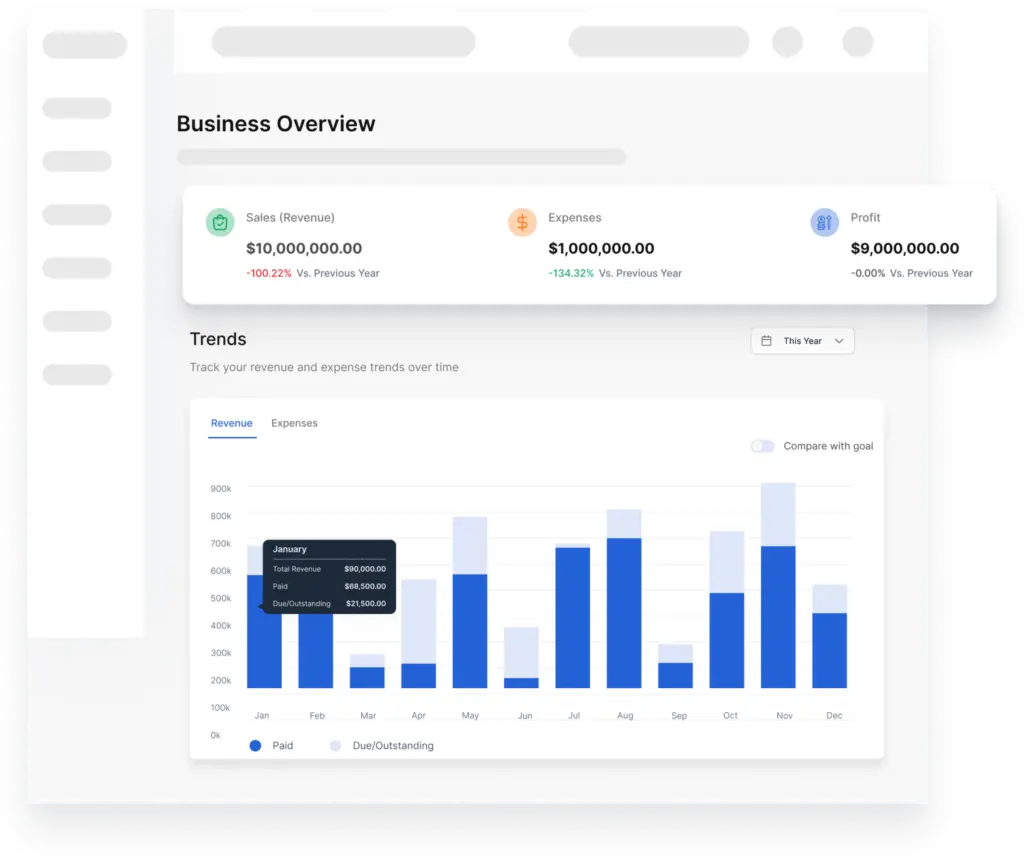
Closely track and analyze your sales performance

business reporting

Frequently asked questions for invoicing software

Everything you need to know about the billing and invoice software for freelancers.

An invoicing software is a tool that helps businesses create, send, and manage invoices electronically. It simplifies the invoicing process by automating tasks such as generating invoices, tracking payments, and sending reminders to clients.

When it comes to invoicing software for small business, Vencru is the ultimate option. Vencru provides a user-friendly interface where you can create professional-looking invoices. Our software helps create invoices online free, calculates totals, taxes, and discounts automatically, saving you time and reducing errors. When an invoice includes products, Vencru deducts the items sold from your inventory tracking, so your inventory and accounting records stay in step.

Possibly the safest! Each invoice we create is encrypted, which means that unlike PDF files, our invoices are hard to tamper with and will protect you from fraudulent activity.

Yes, our invoicing software for small businesses supports multiple currencies, allowing you to invoice clients in their preferred currency. This feature is especially useful for businesses that operate internationally or deal with clients from different countries.
Yes, our invoicing software for small businesses has a free and paid plan. The free plan has limited accounting features. See our pricing plan for details. If you are not ready, you can generate an invoice using our free invoice maker or  invoice templates

Yes, you can. Invoices can be sent via email to more than one email address

Yes! Vencru invoicing solution is available on iOS and Android, making it easy to create invoices anytime, anywhere. You can also onboard your employees create invoices, and track sales by employees.

Vencru is an invoicing software for small business owners in various industries.  

Get your free invoice app

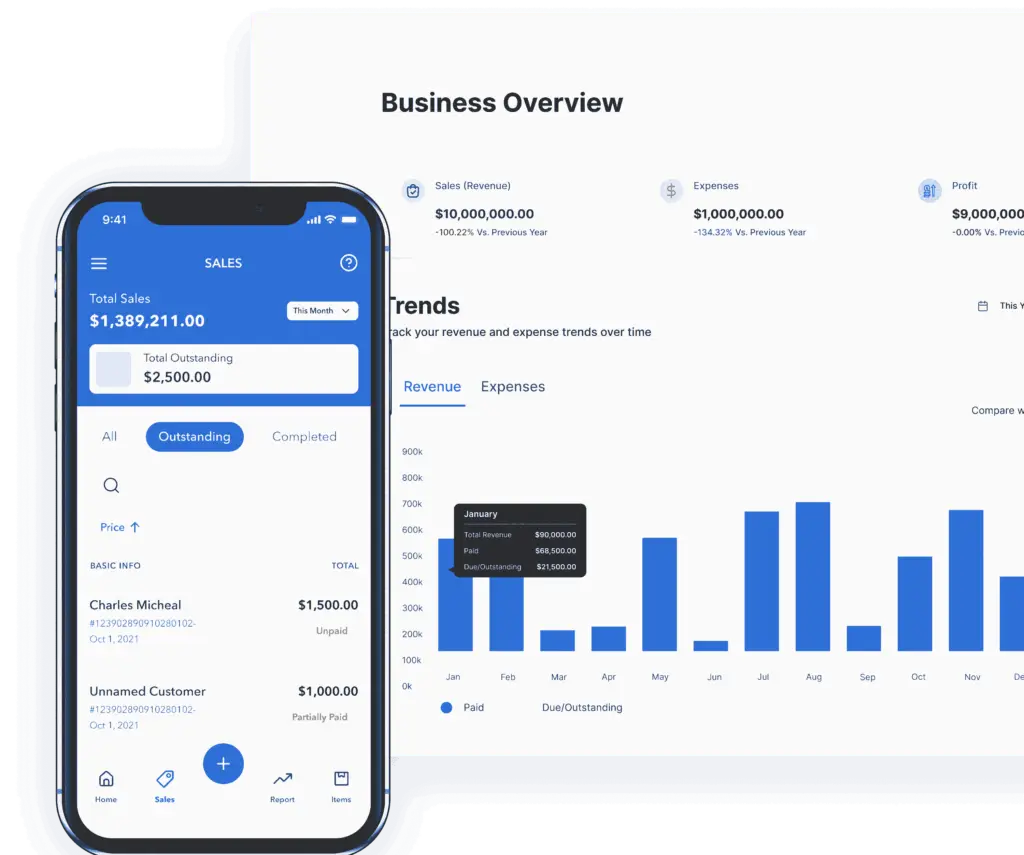
Download our mobile app and never miss an opportunity for easy bookkeeping while on the go! You can track expenses, send invoices, see sales reports, and everything through your mobile app from anywhere.

Screenshoot of mobile and desktop view of Vencru's accounting software