
Accounts Receivable Aging Report Template (Free Download)

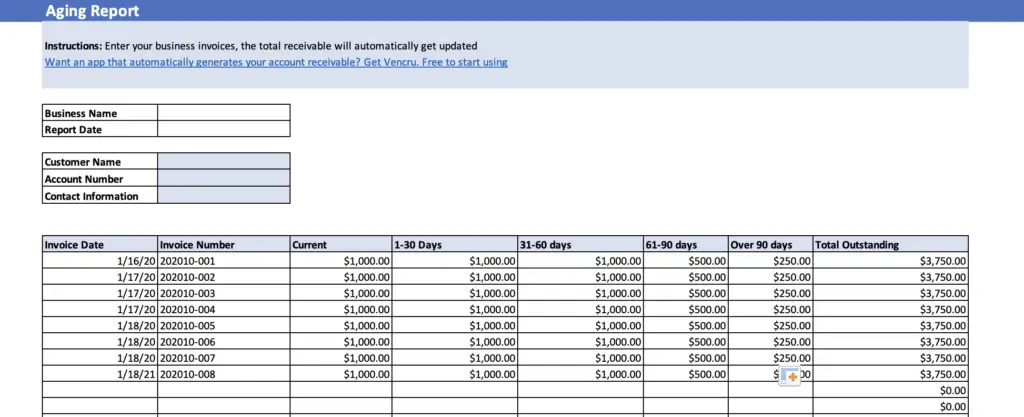
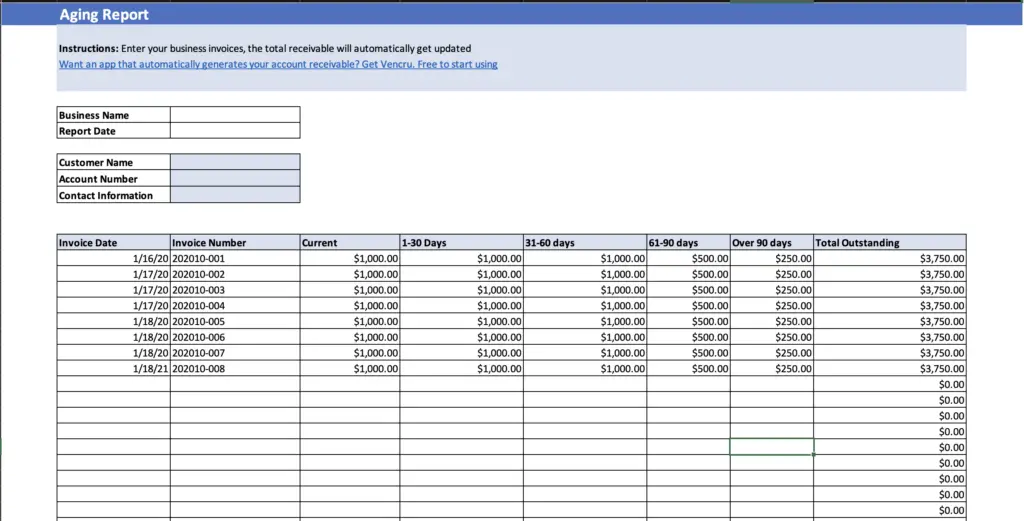
A free accounts receivable aging report template in Excel. List a customer’s unpaid invoices by how late they are (current, 1-30, 31-60, 61-90 and over 90 days past due) and the sheet adds up what they owe.

Aging Report Template
Enter the information below to instantly get access to your free copy

Get more value than aging report templates.

YouTube video player
Invoicing
Inventory management
Accounting
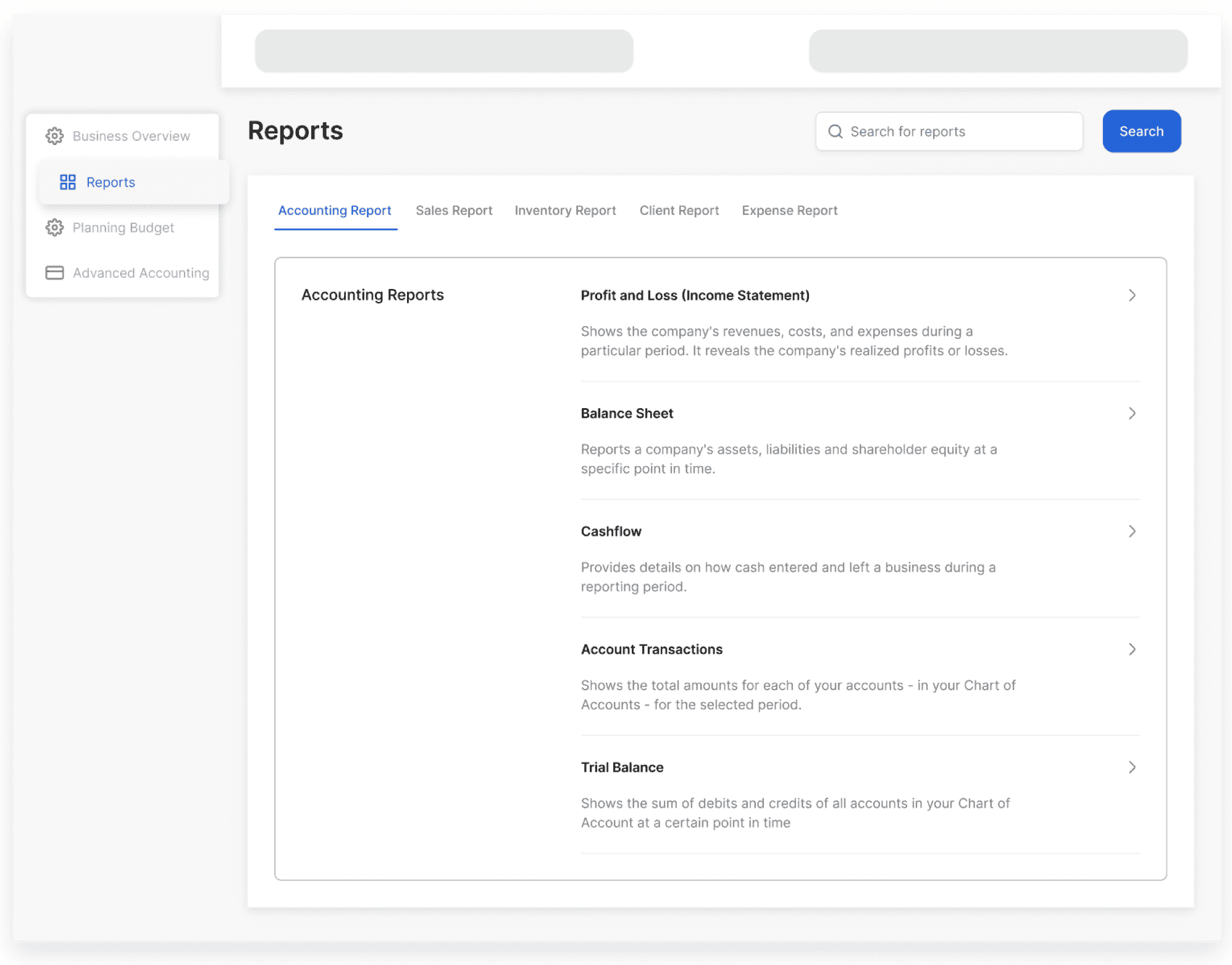
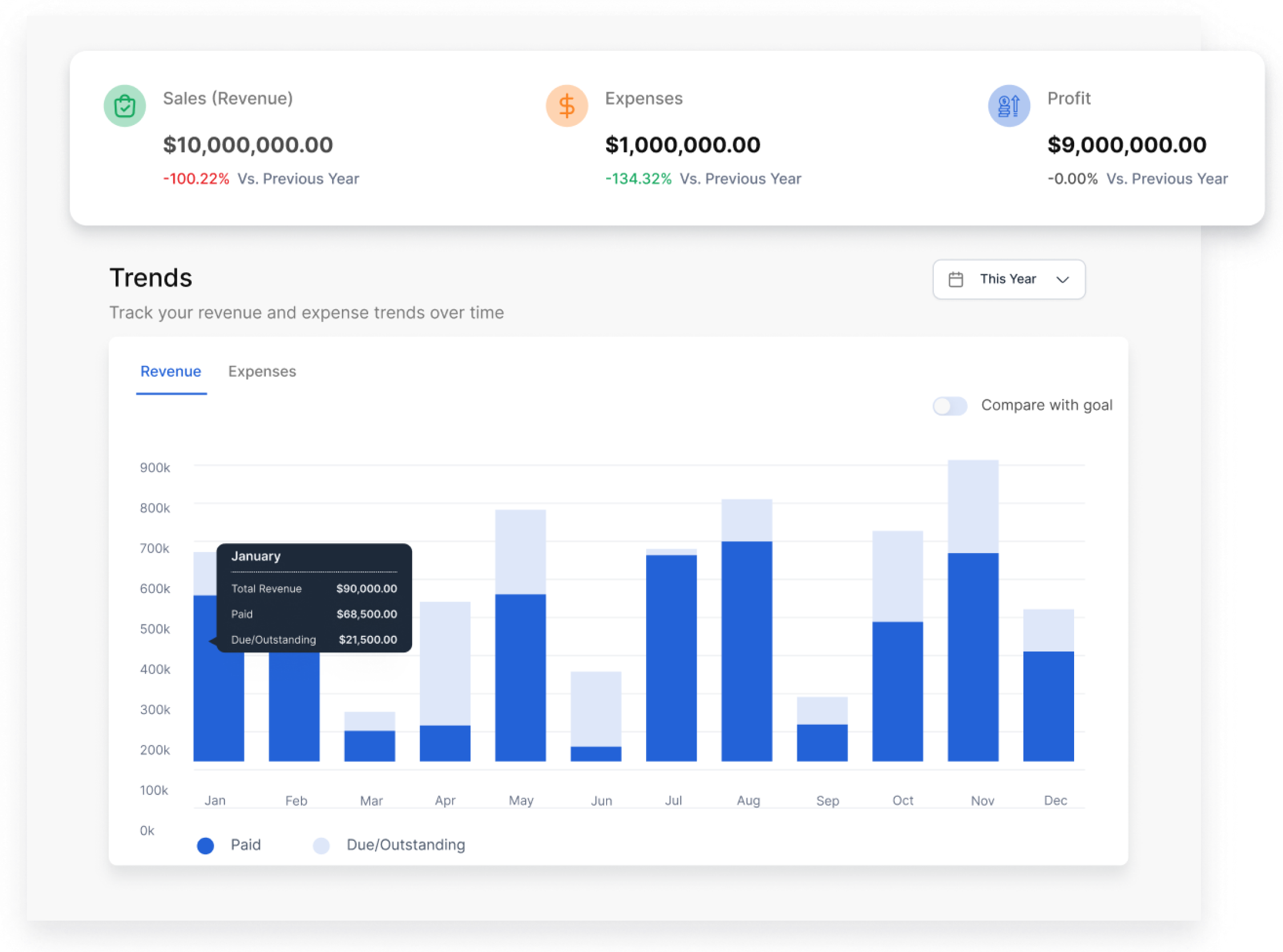
Reporting
Employee management
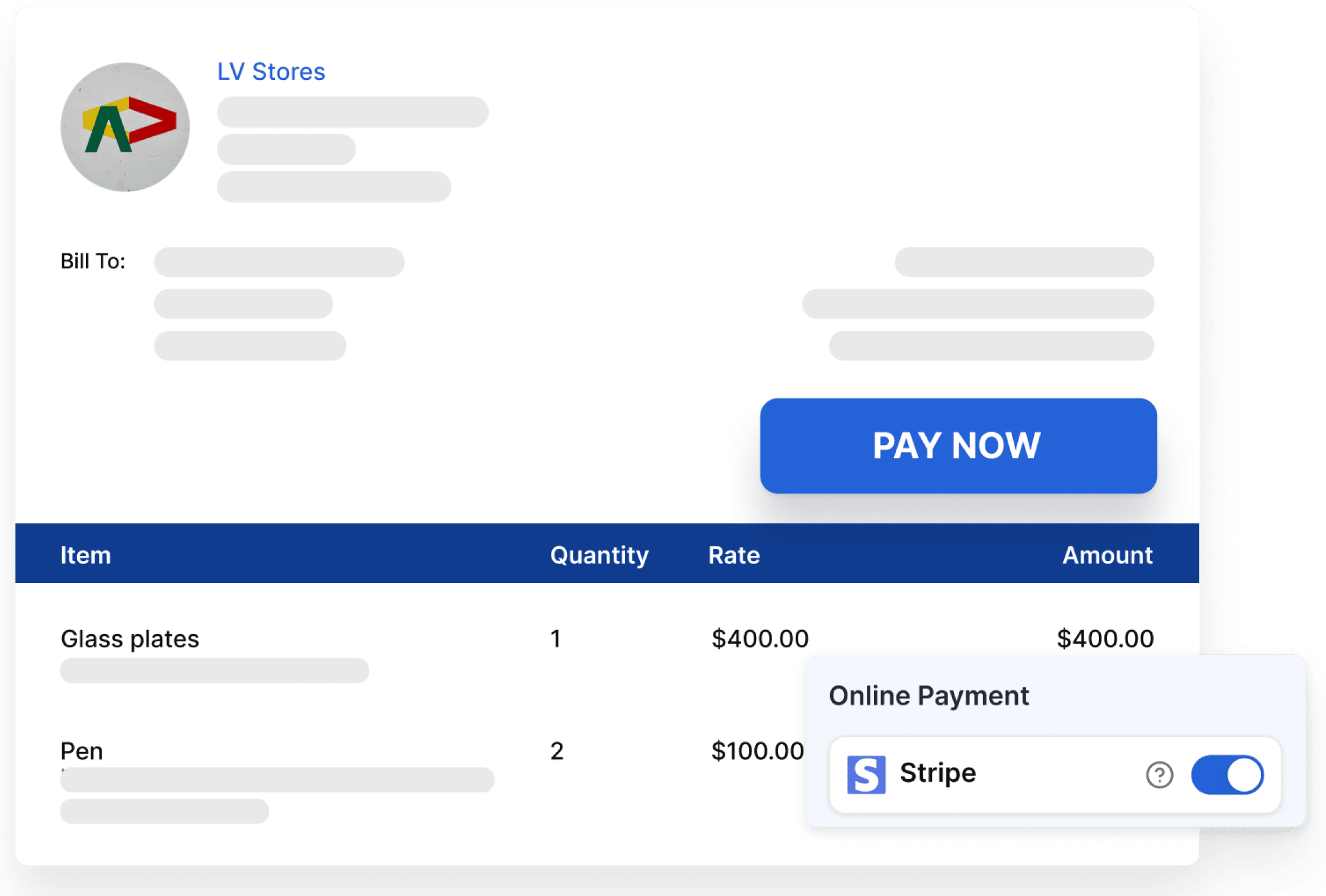
Payments

Send invoices and manage debtors

Make business transactions easier and simpler with professional invoices generated through Vencru. Accept online payments. Say goodbye to calculators and get automated updates on paid invoices, pending and overdue.
Learn more

How to use the aging report template

What is an Aging Report Template?

An accounts receivable (A/R) aging report lists the invoices your customers haven’t paid and sorts each open balance by how late it is: current (not yet due), 1-30 days past due, 31-60, 61-90 and over 90. Read across a row to see what one customer owes; read down a column to see how much of your money is getting old. “Invoice aging” means the same thing: the number of days an unpaid invoice has been outstanding.

This template keeps one customer per sheet. You fill in your business name and the report date, the customer’s name, account number and contact details, and then one row per open invoice with its date, its number and the unpaid amount in the column that matches its age; the total outstanding adds itself up. For the accounting behind the columns, including how to estimate bad debts from them, read our guide to the accounts receivable aging method.

Why is an Aging Report Important?

Wholesalers and distributors that sell to stores on credit need this report, and retailers with house accounts or trade customers need it too. It does four jobs:

  • Shows who to call first. A $640 invoice that is 78 days late needs a call before a $3,200 invoice that isn’t due yet.
  • Shows what cash is coming. Current and 1-30 day balances are most of what will arrive in the next few weeks; balances over 60 days are far less certain.
  • Flags accounts to put on hold. A customer with anything over 60 days past due should usually move to prepayment until the balance is cleared.
  • Backs up your books. The grand total should match accounts receivable on your balance sheet, and your accountant will ask for the report at year-end.

What is included in an Aging Report?

What each part of the template holds:

FieldWhat to enter
Business name and report dateYour business, and the date you are aging to (usually the last day of the month). Every age is counted to this date.
Customer name, account number, contact informationOne customer per sheet, so whoever chases the balance has the buyer’s phone number and email in front of them.
Invoice date and invoice numberCopied from the invoice. Use the number the customer sees on their statement.
CurrentThe unpaid amount of invoices that aren’t past their due date yet.
1-30 daysThe unpaid amount of invoices 1 to 30 days past due.
31-60, 61-90 and over 90 daysThe same for older balances.
Total outstandingAdds up the row. The bottom of the column is everything the customer owes.

Enter the unpaid amount, not the original invoice total: if a store paid $500 of a $1,150 invoice, $650 goes in the column. Two columns are worth adding when customers buy on terms, the due date and the days past due, and the formulas below fill them in.

How do I Prepare This Report?

Aging Report Sample

Fill it in once a month, on the day you send customer statements:

  1. Set the report date to the last day of the month.
  2. Pull every unpaid and part-paid invoice for the customer from your invoice list or accounting software.
  3. Work out each invoice’s due date from its terms. Net 30 means 30 days after the invoice date.
  4. Count the days from the due date to the report date, and put the unpaid amount in the matching column. Anything not yet due goes in Current.
  5. Check the customer’s total against their balance in your books, and note any payment you haven’t matched to an invoice.
  6. Copy the sheet for the next customer, then add a summary sheet with one row per customer.

Excel formulas that age invoices for you

The template takes amounts you type in. To let Excel or Google Sheets choose the column, add a due date and a days-past-due column. With the report date in cell B2, an invoice’s due date in C5 and its unpaid amount in D5:

ColumnFormula in row 5
Days past due (E)=MAX(0,$B$2-C5)
Current (F)=IF(E5=0,D5,0)
1-30 days (G)=IF(AND(E5>=1,E5<=30),D5,0)
31-60 days (H)=IF(AND(E5>=31,E5<=60),D5,0)
61-90 days (I)=IF(AND(E5>=61,E5<=90),D5,0)
Over 90 days (J)=IF(E5>90,D5,0)

Fill the formulas down and each amount lands in exactly one column. At the next month-end, change B2 and every invoice re-ages. Some businesses age from the invoice date instead; if you do, put the invoice date in C5 and label the columns “days outstanding”, so nobody reads them as days late.
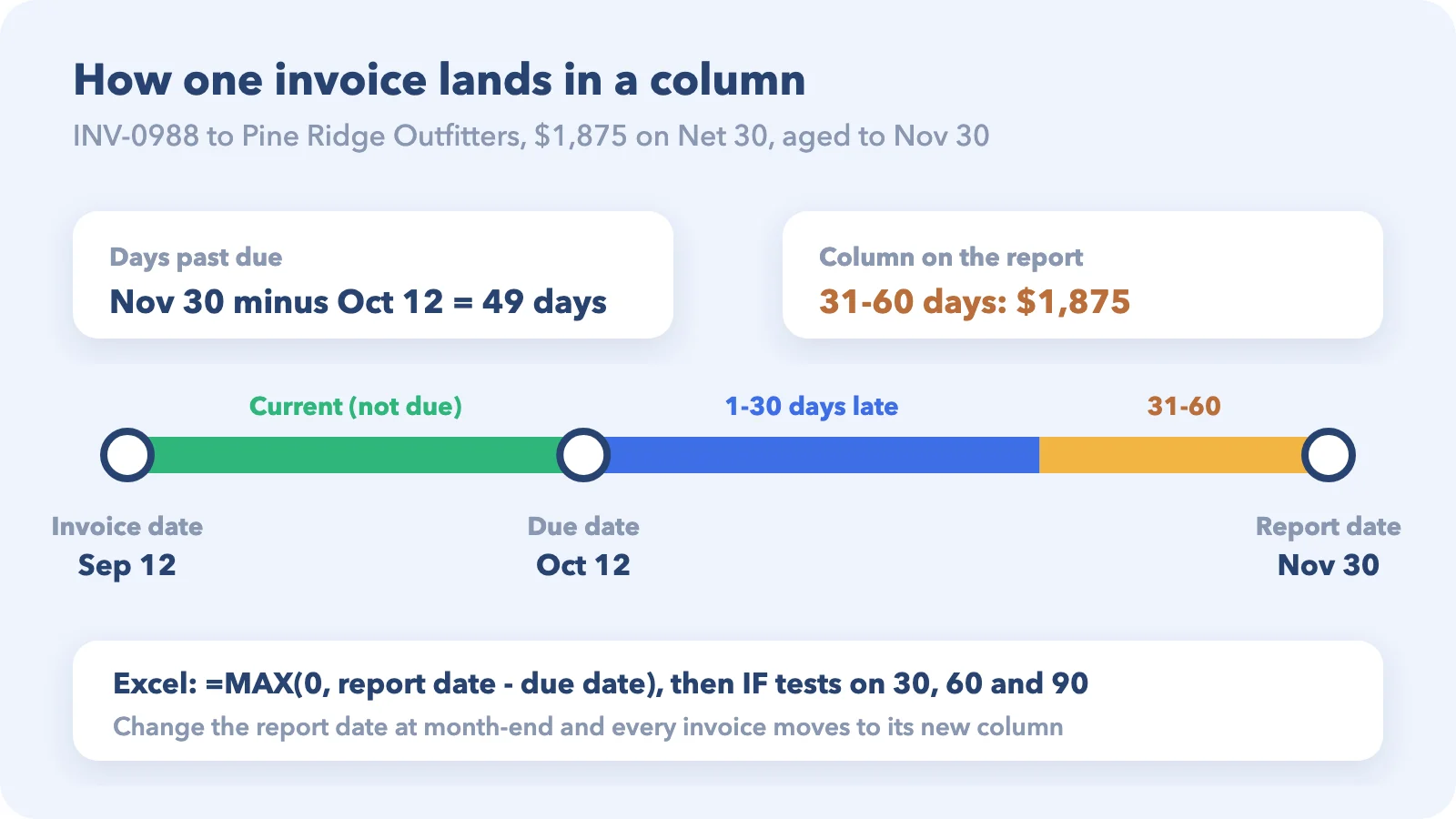
Timeline for invoice INV-0988: dated Sep 12, due Oct 12 on Net 30, aged to Nov 30, which is 49 days past due, so $1,875 goes in the 31-60 day column.
Aged to Nov 30, this $1,875 invoice is 49 days past due. A month later it moves to 61-90, which is usually the point to stop shipping on credit.

Example: a wholesaler’s aging report at month-end

A housewares wholesaler sells to six stores on Net 30 and runs the report on November 30, 2026. The summary sheet, one row per customer, looks like this:

CustomerCurrent1-3031-6061-90Over 90Total
Maple Street Gifts$2,400$1,150–––$3,550
Harbor Home & Garden$3,200––––$3,200
Pine Ridge Outfitters––$1,875$640–$2,515
Lakeside Pantry–$980–––$980
Northgate Hardware––––$1,320$1,320
Cedar Lane Boutique$1,560$720–––$2,280
Total$7,160$2,850$1,875$640$1,320$13,845

Of the $13,845 owed, $7,160 isn’t due yet and $1,960 (14.2%) is more than 60 days past due. Two calls come first: Northgate Hardware, whose $1,320 invoice from Jul 2 is 121 days late, and Pine Ridge Outfitters, with $2,515 spread over two old invoices. Maple Street Gifts owes the most, but $2,400 of its $3,550 isn’t due yet.
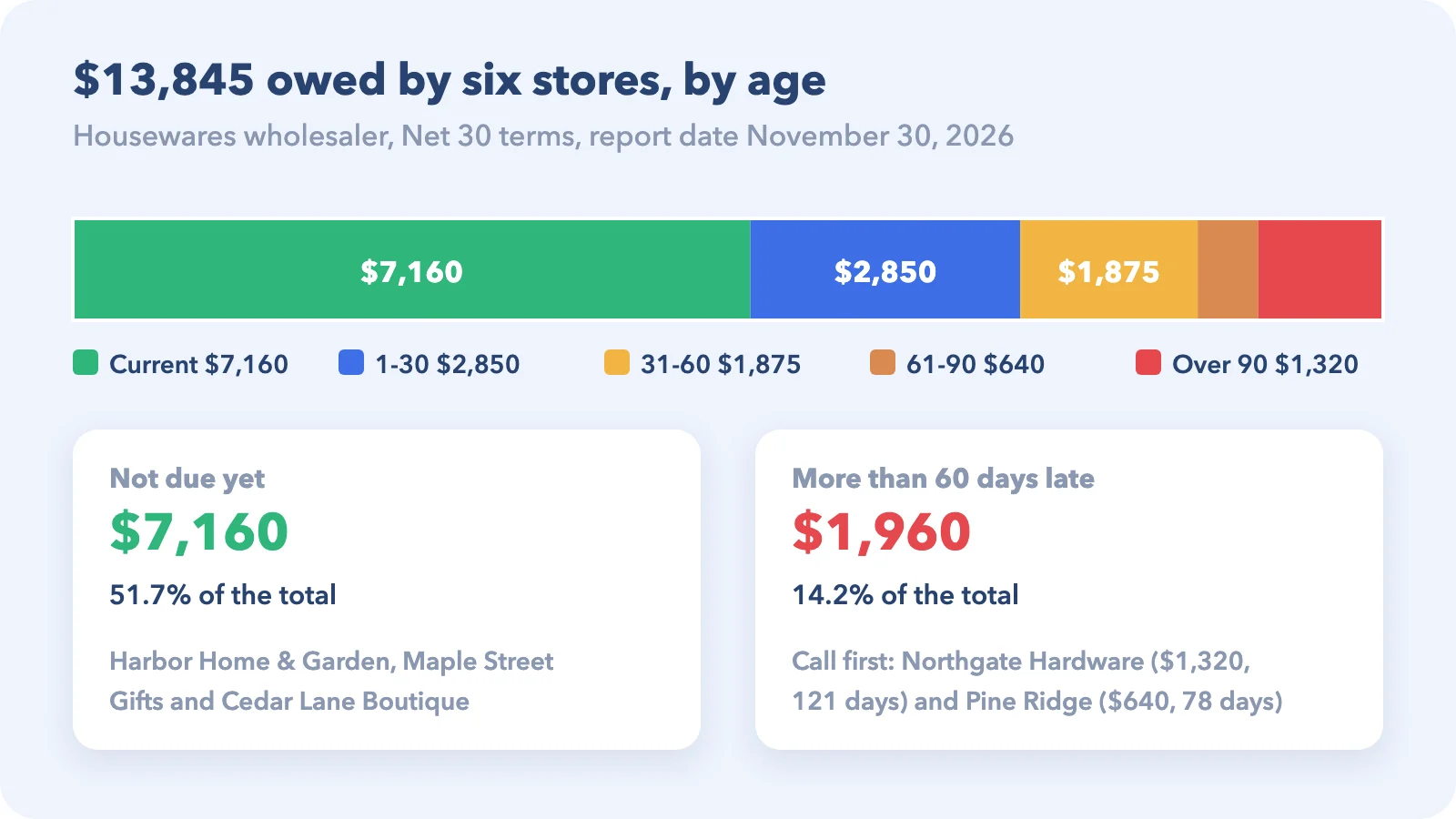
Stacked bar of $13,845 in receivables: current $7,160, 1-30 days $2,850, 31-60 $1,875, 61-90 $640, over 90 $1,320; $1,960 or 14.2% is more than 60 days late.
Half the balance isn’t due yet. The $1,960 over 60 days sits with two customers, so two phone calls cover the risk.

Check the total against your books

Add up every customer’s total outstanding. It should equal the accounts receivable balance on your balance sheet on the report date. When it doesn’t, the usual causes are a payment that reached the bank but was never applied to an invoice, a credit note left off the sheet, or an invoice entered in one place and not the other.

Retyping every invoice into a spreadsheet? In Vencru, each invoice carries its payment terms, payments are recorded against it, and the A/R aging report comes from your invoices on every plan. Send customer statements and reminders for overdue invoices, and let customers pay by card through Stripe or PayPal, or by ACH bank transfer in the US. See how it works for wholesalers or Start 14-day trial
14-day trial · No credit card required

What to do with each column

A reminder and a statement are enough at 1-30 days. At 31-60, call the buyer and agree a date; at 61-90, stop new orders on credit until the balance is cleared or a payment plan is in writing. Clear payment terms on every invoice make the due dates, and so the aging, hard to argue with. The aging method guide covers the over-90 decision and how to turn the columns into an allowance for doubtful accounts.

Accounts payable aging works the same way

Swap customers for suppliers and the same layout becomes an A/P aging report: the bills you owe, sorted by how late they are. Check it before deciding which suppliers to pay this week, so a key supplier doesn’t put you on credit hold over a forgotten bill.


When the spreadsheet gets too long

A spreadsheet works for a handful of customers. With dozens of open invoices, keeping it current means entering every invoice and payment twice. Vencru keeps invoices, payments, stock and your books in one place, so the aging report, customer statements and balance sheet agree without the copy and paste.
14-day trial · No credit card required

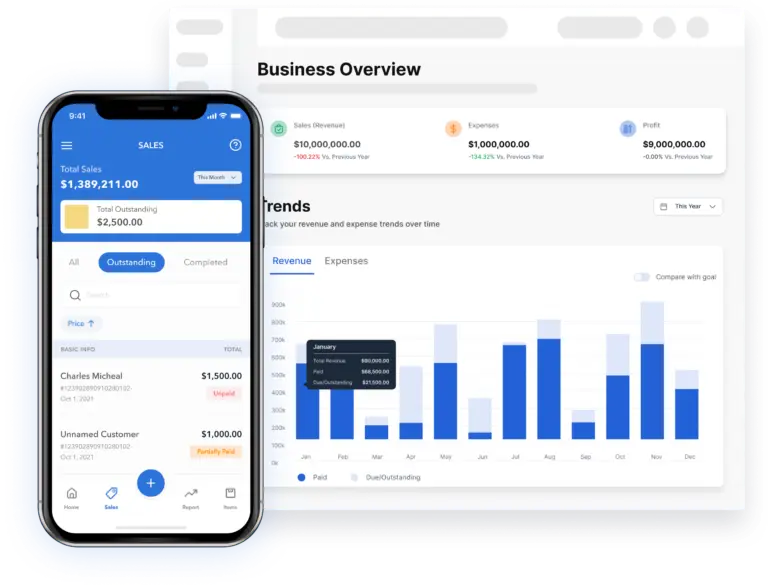
Screenshoot of mobile and desktop view of Vencru's accounting software

Access more free tools for your business

Accounting Templates

Easily manage your financial records with pre-designed templates for tracking income, expenses, and profits.

Inventory Templates

Keep track of your products and stock levels effortlessly using templates designed for efficient inventory management.

Expense Templates

Stay organized by recording and categorizing your business expenses with user-friendly templates.

Purchase Order Generator

Streamline your purchasing process with our generator that helps you create purchase orders smoothly.

Invoice Templates

Create professional invoices quickly and accurately using customizable invoice and receipt templates for easy billing.

Estimate Generator

Provide accurate project cost estimates with ease using our convenient and simple estimate maker.

Your template is on its way

Get more value from Vencru

Track sales, debtors, inventory, business performance & more

accounting software