
Retail inventory management is how a store keeps track of what it buys, what it sells and what’s left on the shelf, and how much money is tied up in it. Get it right and best sellers stay in stock, slow movers don’t eat your cash, and your books match what’s actually in the store. This guide covers the numbers to track, how to count and reorder, how to sell in-store and online from one stock count, and a checklist you can use this week.
What retail inventory management covers
Every retail inventory system, from a notebook to full software, answers four questions:
- Stock in: what you ordered, what arrived, and what it cost.
- Stock sold: what left the store, through which channel, and at what margin.
- Stock on hand: what’s on the shelf and in the back room right now.
- Money in stock: the value of that inventory, and how long it sits before it sells.
Small stores usually struggle with the last two. Sales are recorded at the till, but stock on hand drifts as items are damaged, stolen, miscounted or sold online from a separate count. The fix is a single stock record that every sale, delivery and count updates.
The retail inventory numbers that matter
You don’t need dozens of KPIs. These seven tell you whether your stock is healthy. The examples use one small gift store’s year so you can see how the numbers connect.
1. Cost of goods sold (COGS)
COGS = beginning inventory + purchases − ending inventory
The store started the year with $20,000 of stock at cost, bought $95,000 more, and ended with $25,000. COGS is $20,000 + $95,000 − $25,000 = $90,000. See the full COGS formula guide.
2. Inventory turnover
Inventory turnover = COGS ÷ average inventory, where average inventory = (beginning + ending inventory) ÷ 2.
Average inventory is ($20,000 + $25,000) ÷ 2 = $22,500, so turnover is $90,000 ÷ $22,500 = 4. The store sold through its average stock four times in the year. More on inventory turnover.
3. Days in inventory
Days in inventory = 365 ÷ inventory turnover
365 ÷ 4 = about 91 days. On average, an item sits for three months before it sells. Track this by category: fast movers and slow movers average out and hide problems. See how to compute days in inventory.
4. Reorder point
Reorder point = (average daily sales × lead time in days) + safety stock
The store sells 6 mugs a day, the supplier takes 10 days to deliver, and it keeps 20 as a buffer. Reorder point = (6 × 10) + 20 = 80. When stock falls to 80, it’s time to order. Work out yours with the reorder point calculator.
5. Shrinkage rate
Shrinkage rate = (recorded inventory − counted inventory) ÷ recorded inventory × 100
The records say $25,000 of stock, but the year-end count finds $24,500. Shrinkage is $500 ÷ $25,000 × 100 = 2%. Shrinkage covers theft, damage, admin errors and supplier shortages. More on inventory shrinkage.
6. Sell-through rate
Sell-through rate = units sold ÷ units received × 100
The store received 200 scarves for winter and sold 150. Sell-through is 75%. Low sell-through on a seasonal line tells you to buy less next time or mark down earlier.
7. Gross margin return on inventory (GMROI)
GMROI = gross margin ÷ average inventory at cost
Sales were $150,000 and COGS $90,000, so gross margin is $60,000. GMROI is $60,000 ÷ $22,500 = 2.67: every dollar held in stock returned $2.67 in gross margin. Compare it by category to see where your stock dollars work hardest.
How to count retail stock
Your numbers are only as good as your counts. Most small stores use two kinds:
- Full physical count: count everything, usually once or twice a year and at year-end. It’s accurate but disruptive, so do it outside trading hours.
- Cycle counts: count a small group of items on a schedule, such as one shelf or category a day. High-value and fast-moving items get counted most often. Cycle counts catch errors early, when they’re easy to trace.
Count by scanning barcodes instead of writing numbers down. Scanning removes most miscounts and lets you adjust stock levels straight away. If your products don’t have barcodes yet, create them with a free barcode generator, and give every product a unique SKU (the SKU generator helps).
After each count, record the difference as a stock adjustment with a reason (damaged, missing, found, miscounted). The reasons show you where shrinkage comes from.
How to reorder without overstocking
- Set a reorder point for each product. Use the formula above, with your real sales rate and your supplier’s real lead time.
- Keep safety stock where it matters. Best sellers and items with unreliable suppliers need a buffer, and slow movers usually don’t. See how to calculate safety stock.
- Raise a purchase order. A PO records what you ordered, at what price, and when it’s due, so you can check the delivery against it.
- Receive against the PO. Count what arrives, receive full or partial deliveries, and update stock only for what actually came in.
- Match the supplier’s bill. Check the bill against the PO and what you received before you pay.
Review reorder points every season. A reorder point set for December will overstock you in February.
Selling in-store and online from one stock count
Many retailers now sell in a physical store and online, through Shopify, Amazon or WooCommerce. The common mistake is keeping a separate count for each channel. A scarf sells online, the store count doesn’t change, and the last one gets sold twice.
Keep one stock record. Every sale, from the till or an online order, should come off the same count, and the new quantity should go back to every channel. Hold a small buffer on fast sellers so a sale on one channel can’t oversell another while stock updates. See how this works in ecommerce inventory management software.
Retail inventory valuation methods
To value stock for your books, you need a cost method. Small retailers mostly use one of these:
- Average cost: each item is valued at the average of what you paid for it. It’s simple and smooths out supplier price changes.
- FIFO (first in, first out): the oldest stock is assumed to sell first, so ending inventory reflects recent prices.
- The retail inventory method: estimate ending inventory at cost using your cost-to-retail ratio, without a full count.
Retail method example: goods available for sale cost $60,000 and are priced at $100,000 retail, a cost-to-retail ratio of 60%. You sold $70,000 at retail, leaving $30,000 at retail on hand. Estimated ending inventory at cost is $30,000 × 60% = $18,000. It’s an estimate, so confirm it with a physical count at year-end. More on the retail inventory method.
Whichever method you choose, use it consistently and ask your accountant which one suits your tax situation.
Retail inventory management best practices: a checklist
- Give every product a unique SKU and, where possible, a barcode.
- Keep one stock record for the store, the back room and every online channel.
- Set a reorder point for each product and review it every season.
- Run cycle counts weekly on high-value and fast-moving items.
- Do a full count at least once a year, outside trading hours.
- Record every stock adjustment with a reason.
- Receive deliveries against purchase orders, and record only what arrived.
- Check days in inventory and sell-through by category every month.
- Mark down slow movers before they become dead stock.
- Reconcile stock value with your books at month-end.
Tools for retail inventory management
Most stores move through three stages:
- Spreadsheets. Free and flexible, but every sale has to be entered by hand, and counts drift quickly. Fine for a few dozen products. Start with our free inventory templates.
- A POS with basic stock tracking. Sales update stock automatically, but online channels, purchasing and accounting usually live elsewhere.
- Inventory and accounting software. Sales, purchases, stock and your books in one place, so COGS and stock value are always current.
Frequently asked questions
What is retail inventory management?
It’s the process of ordering, storing, counting and selling stock in a retail business, and tracking its cost, so you have the right products on hand without tying up too much cash.
How often should a retail store count inventory?
Run cycle counts on fast-moving and high-value items weekly, and do a full physical count at least once a year, usually at year-end.
What is a good inventory turnover for a retail store?
It depends on what you sell. Grocery and convenience stores turn stock far faster than furniture or jewelry stores. Compare your turnover with your own past years and by category, rather than with a single benchmark.
What’s the difference between the retail method and FIFO?
FIFO values inventory at actual purchase costs, assuming the oldest stock sells first. The retail method estimates inventory cost from retail prices using a cost-to-retail ratio, which is quicker but less precise.
How Vencru helps retail stores manage inventory
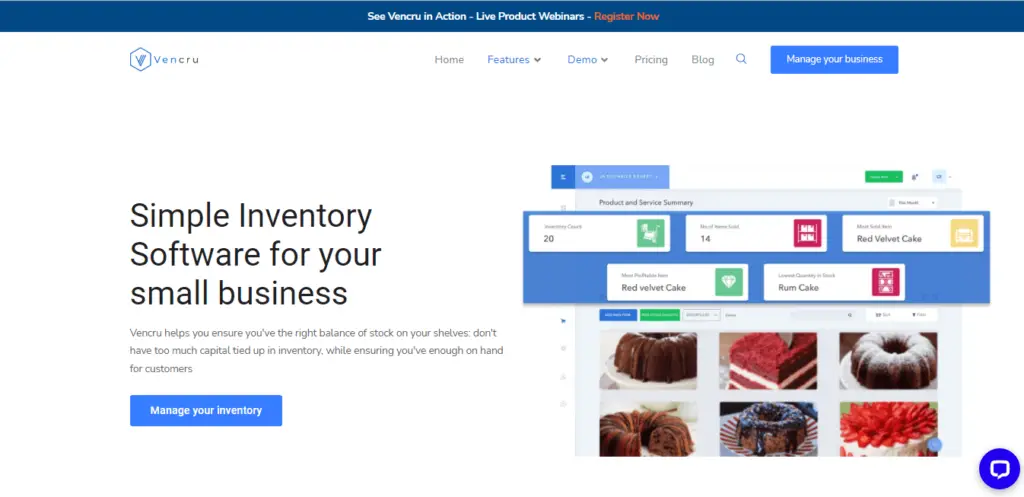
Vencru is retail inventory software with accounting built in. It brings the steps in this guide into one app:
- One stock count: in-store sales through the Vencru POS and online orders from Shopify (plus Amazon and WooCommerce on Enterprise) come off the same stock.
- Reorder points and low-stock alerts in the app and by email, so you know what to reorder in time. See reorder alerts.
- Barcode counts: scan with your phone’s camera or a USB or Bluetooth scanner, then adjust stock in one step. See barcode inventory.
- Purchase orders and receiving: receive full or partial deliveries, and stock goes up only when goods arrive (Growth and up).
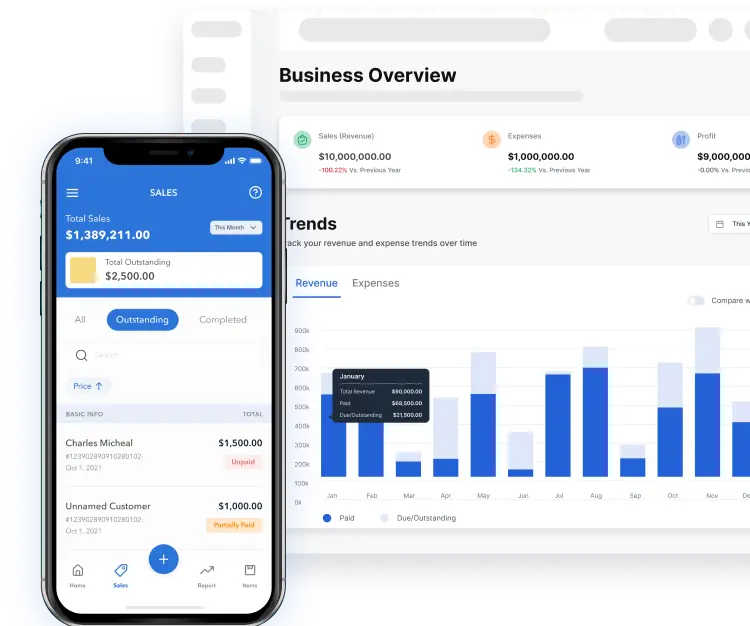
- COGS and stock value at average cost, recorded as you sell, with double-entry reports and a sales tax report.
Try Vencru free for 14 days, no credit card required.