Step-by-step guides
Choose what you want to do
Each video is short and focused. Follow along in the Vencru app and finish the task in just a few minutes.
Set up
2-min overview on Vencru app
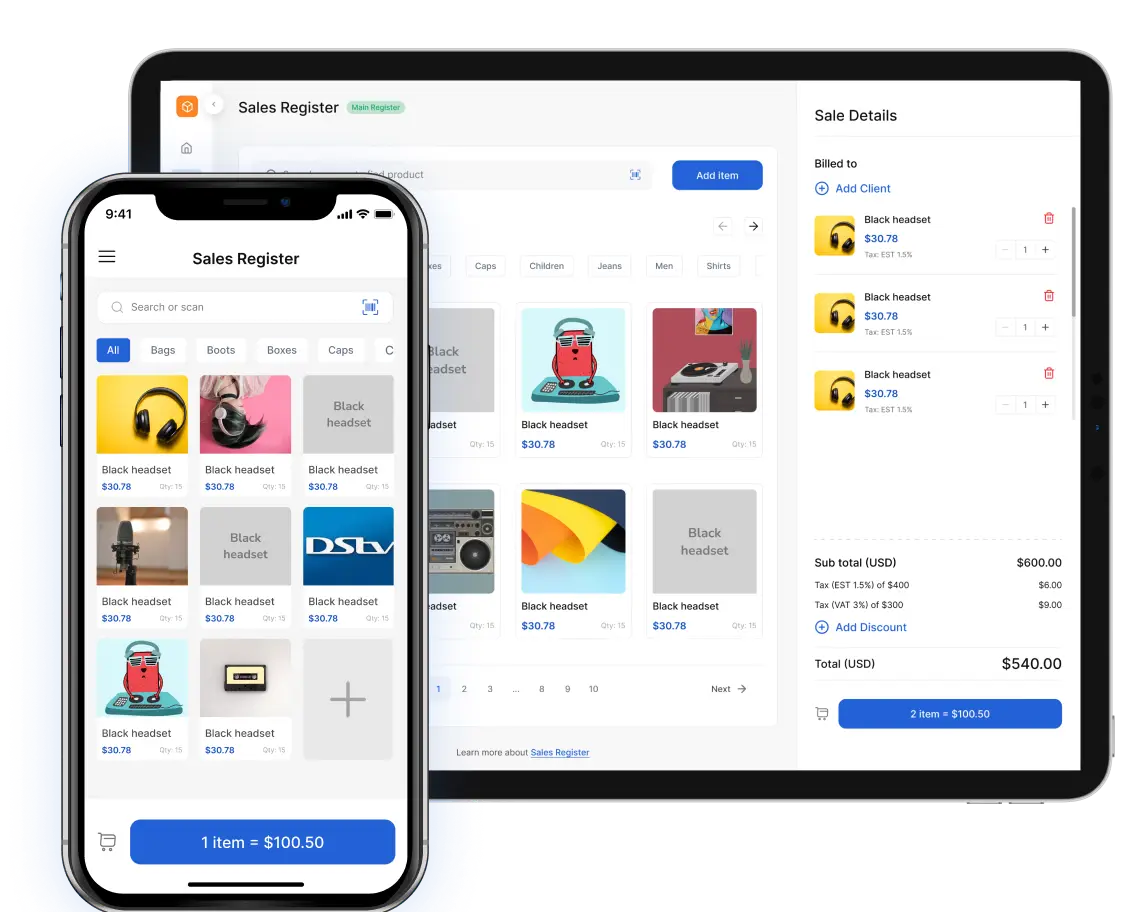
Track inventory, record sales, expenses, purchases and more.
Set up
Add customer details, contact information and an opening balance.
Set up
How to create a vendor
Save supplier information so purchases and bills stay organized.
Inventory
Add a product or service, set its price and start tracking stock.
Sales
Bill a customer, set payment terms and share the invoice.
Sales
Record a paid sale and issue a receipt to your customer.
Sales
How to create a quote
Send a price estimate and turn an accepted quote into an invoice.
Sales
Correct a sale, record a return and update customer credit.
Purchases
Log what you spent, choose a category and attach the receipt.
Purchases
How to create a purchase order
Order stock from a vendor and keep expected quantities clear.
Purchases
How to create a vendor bill
Record what you owe a vendor and track when payment is due.
Inventory
How to run stock analysis
Review stock value, movement, margins and items that need action.
No tutorials found
Try a different word or choose another category.
Learn Vencru one task at a time
Watch quick, practical videos that show you how to manage stock, make sales, track purchases and understand your business from the Vencru app.