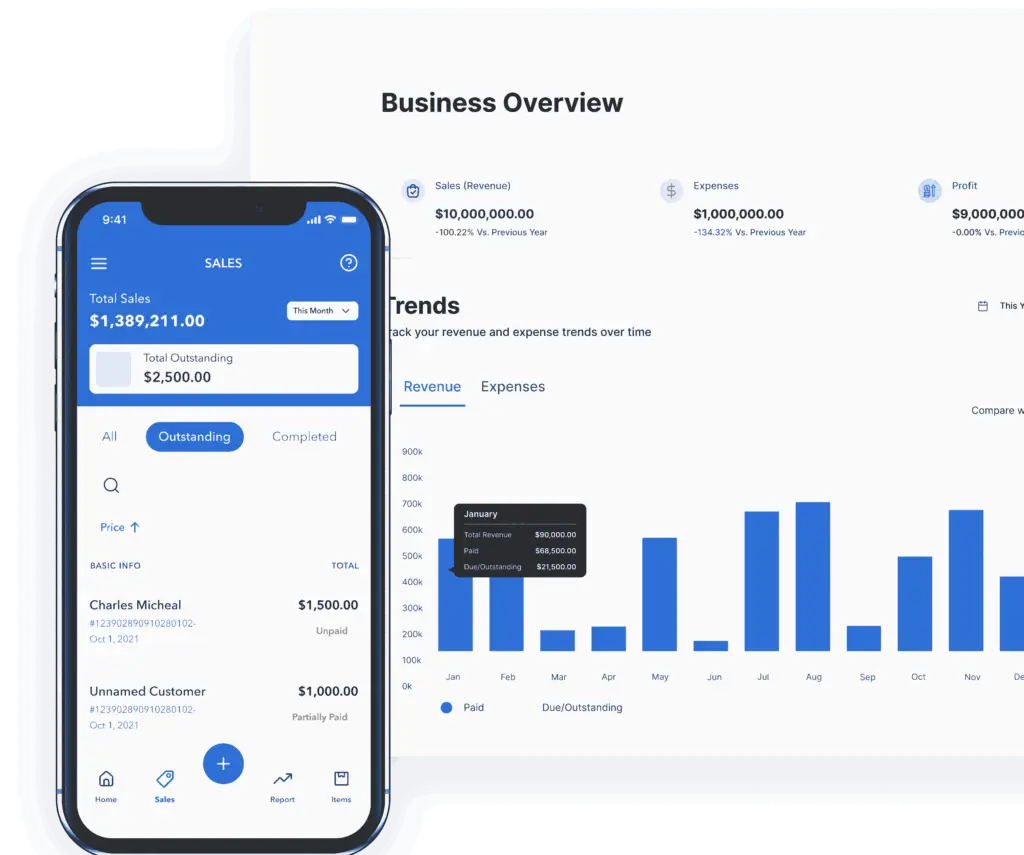
Double-entry Accounting Software for Small Businesses
Stop time-consuming bookkeeping and manage your finances with the best double-entry accounting system built for growing businesses. From inventory management and expense tracking to order management and multi-currency transactions, Vencru gives you complete financial control in one powerful platform.
Vencru has helped 25,000+ small businesses manage their finances





The simple solution that works for single and multiple business accounting across many industries.
Features of our Double Entry Bookkeeping Software

Track Everything in One Place
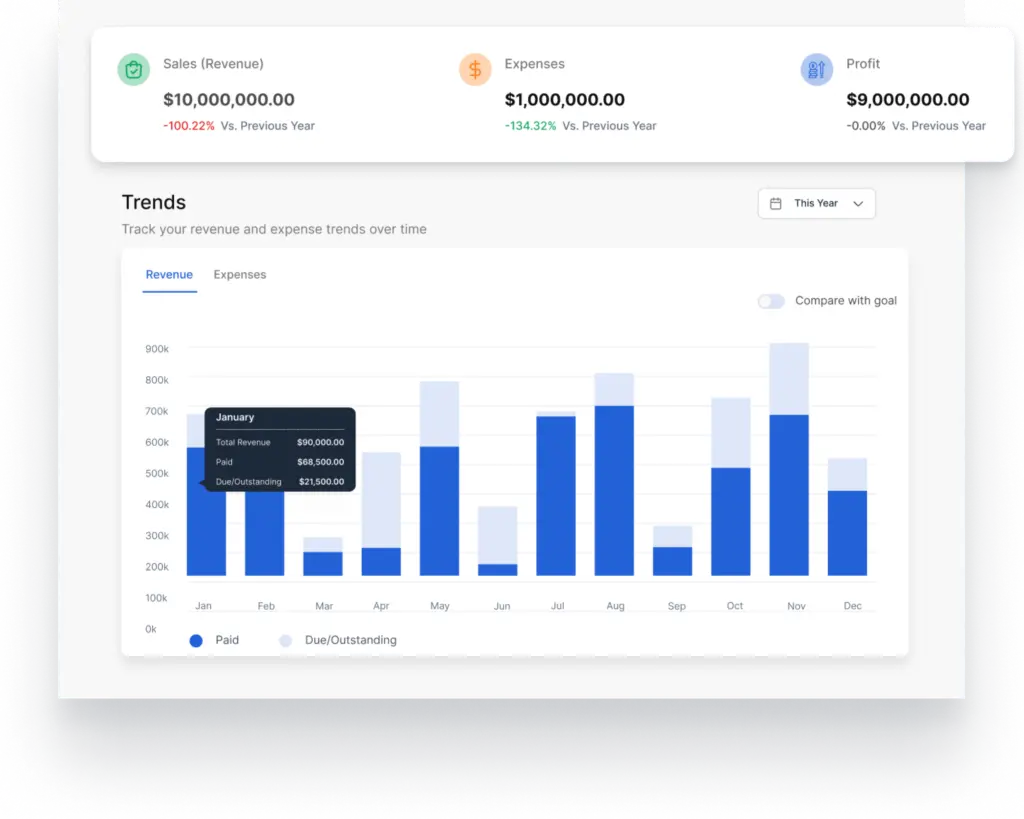
Get insights into your business performance and automate your reporting by using our budgeting and accounting software.
- Access comprehensive reports and custom reports from one dashboard.
- Categorize income and expenses to track income accurately.
- Compare your business performance to past periods and budgeted amounts
Designed for entrepreneurs, startups, and self-employed professionals, Vencru combines powerful accounting features with ease of use—without relying on add-ons

Powerful and Robust Double-Entry Accounting System
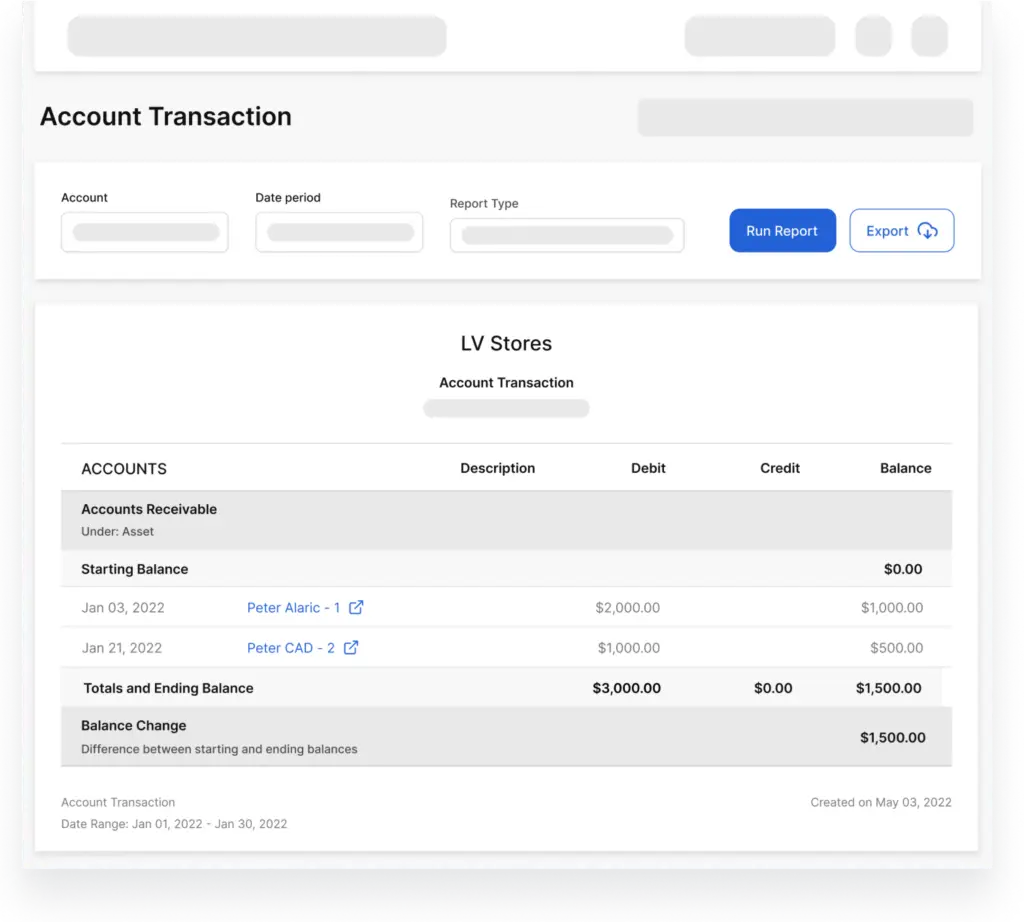
Automatically calculate which clients owes you or what invoices have not been paid.
- Track assets, liabilities, equity, revenue, and expenses.
- Get valuable insight into your company’s financial health.
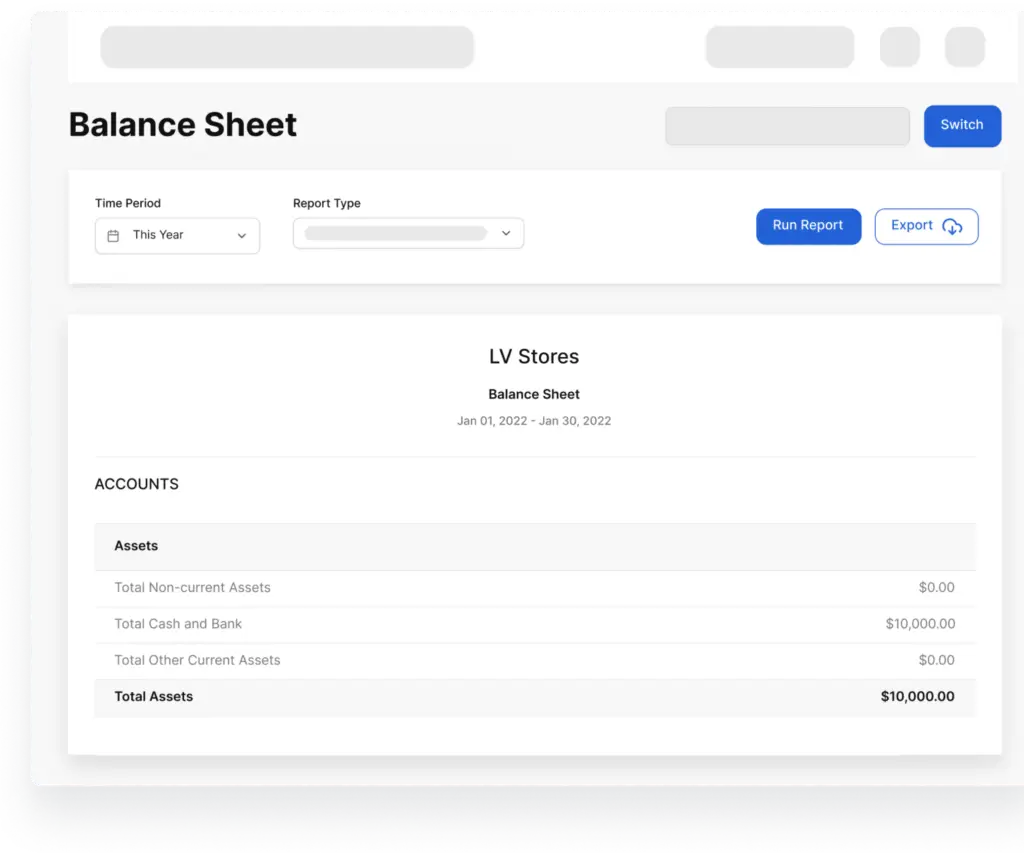
- Access your balance sheet, profit and loss report, cash flow report, and more
Get insight into your financial health with tools comparable to QuickBooks Online, Xero, FreshBooks, or Zoho Books —without the complexity.

Generate financial statements
Access a complete set of accounting reports. Our free double-entry accounting software has got it all covered for you. Generate accounting reports to understand your business performance.
- Accounting reports: Profits and loss reports, cashflow, and balance sheet reports.
- Sales reports: Debtors list, sales tax report, sales by product, and sales by customers.
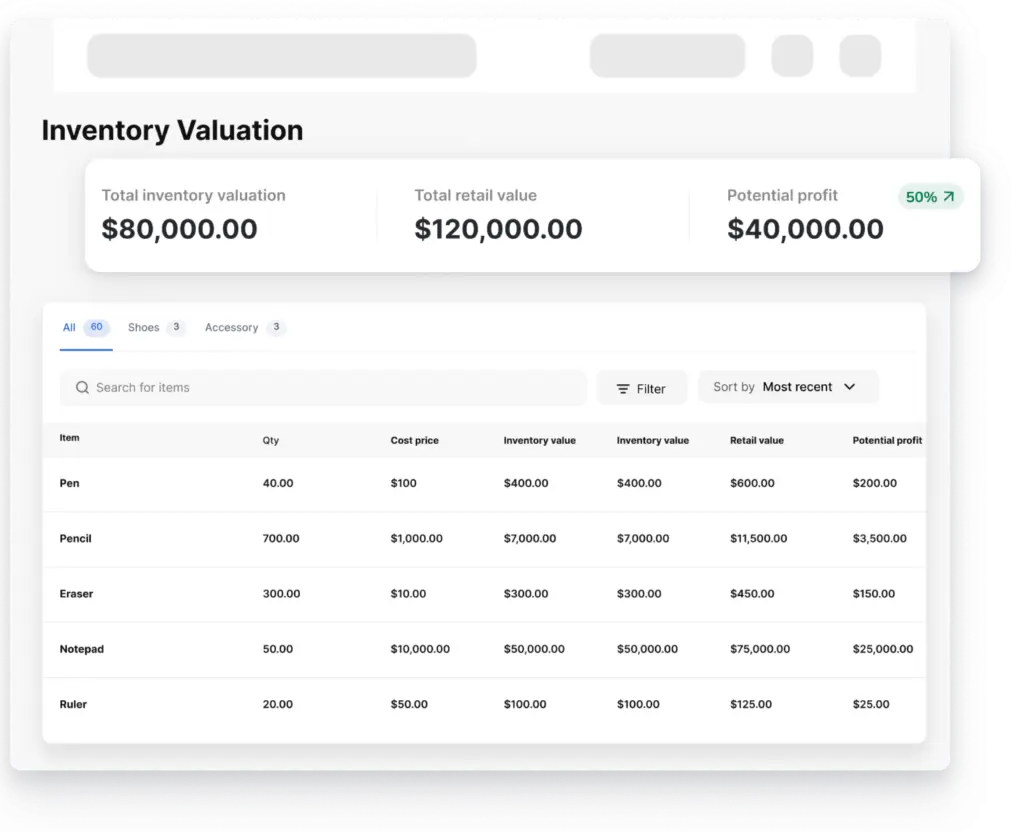
- Trial balance, general ledger, inventory valuation reports, accounts receivable, and more
Track income, monitor accounts payable, and support decision-making with data-driven insights—making it one of the best small business accounting software options.
Automate Your Inventory & E-Commerce Accounting
Connect purchase orders, sales invoices, and inventory updates automatically. This reduces manual entry and streamlines accounting across sales channels.
- Costs of Goods Sold (COGS) updates instantly when an invoice is created, or products are added or removed from your inventory.
- Inventory valuation and movement reports are automatically generated.
- Starting balances and ending balances are properly recorded
- Supports online payments and e-commerce workflows
Bring Your Accountant Along or Fly Solo
Whether you’re managing finances independently or collaborating with a CPA, Vencru adapts to your workflow.
- Create a new chart of accounts for equity, assets, liabilities, and more.
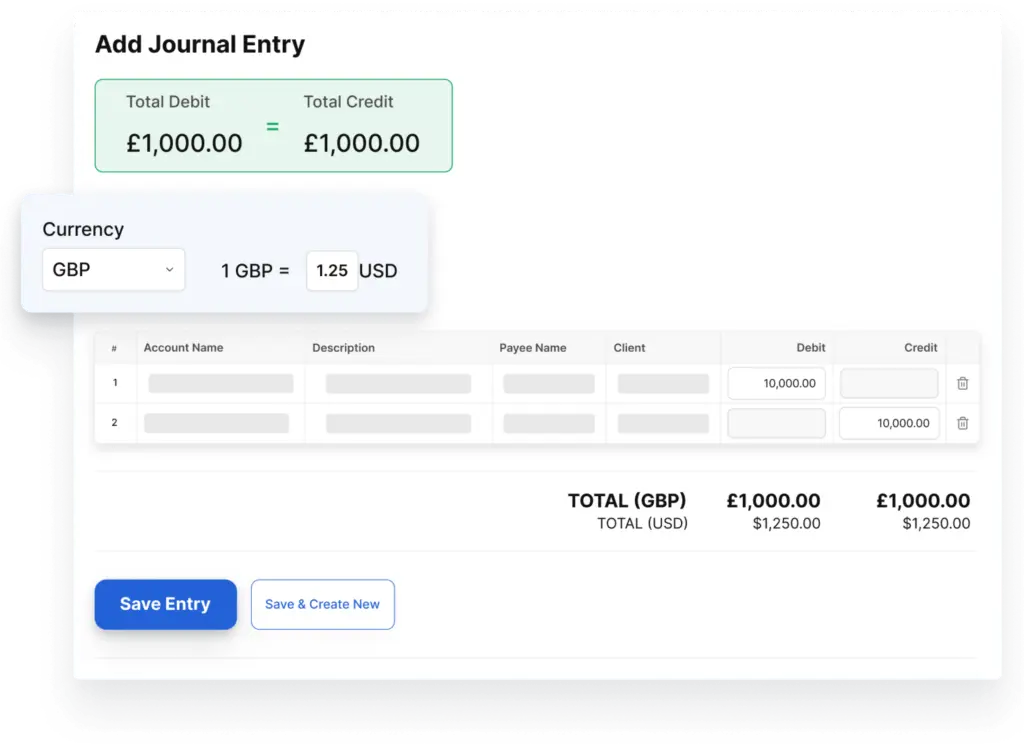
- Record manual journal entries to reconcile your books.
- Set up monthly budgets and compare them to business performance.
Built with customer support for small businesses and startups, Vencru offers the accounting functions you need without the learning curve of larger systems.
Review Audit Records & Control Access
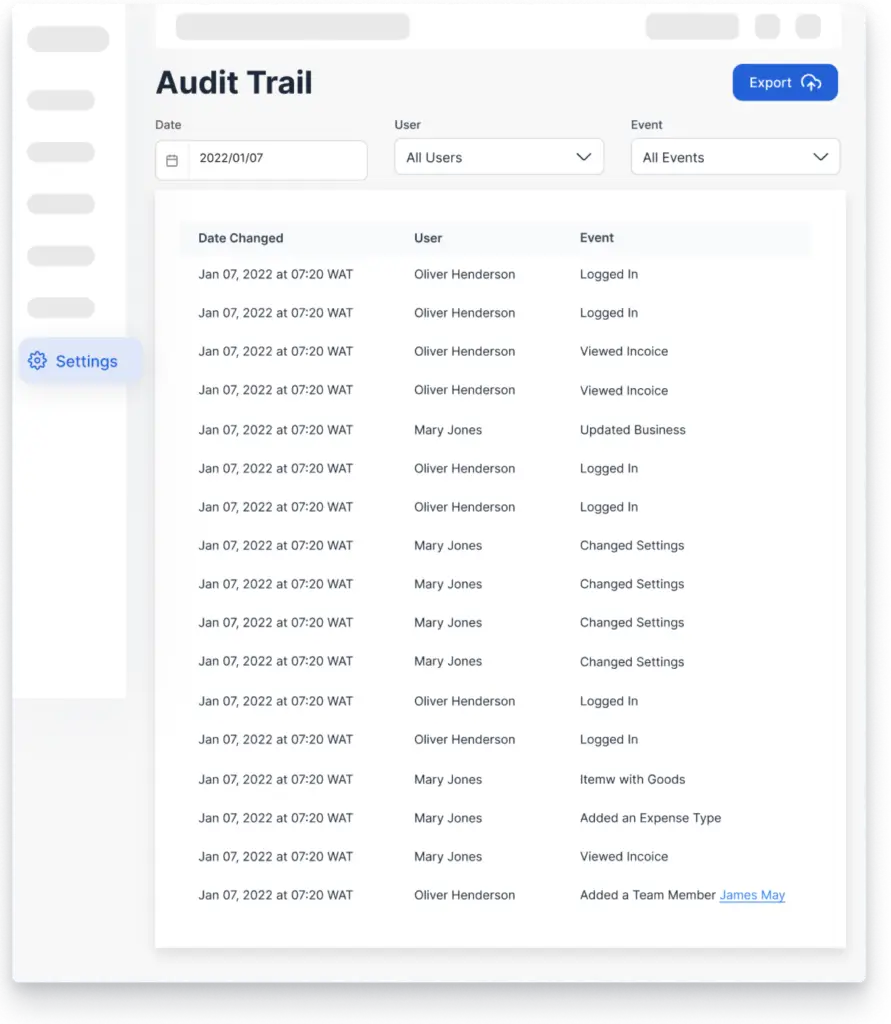
Be updated on the activities on your account with the audit report. Maintain strong financial oversight with detailed audit logs.
- Track employee or team member activities
- Monitor financial record changes
- Prevent fraudulent activities
FAQs of our Easy Double-entry Accounting Software
Everything you need to know about our double-entry bookkeeping software
What kind of reports can I generate with Vencru?
You can generate a lot of reports in Vencru’s double-entry bookkeeping system. Whether it is year-end business reports, financial reports, or general accounting reports covering taxes, Vencru should be your go-to option.
Does Vencru allow me to get a Profit and Loss report?
Yes, you can generate all kinds of reports with our double-entry accounting software, including a Profit and Loss report. In addition, you can get your Sales reports and Inventory reports.
What industries is Vencru's software good for?
Vencru software is ideal for small businesses and freelancers in various industries such as retail, wholesale, e-commerce, food and beverage, service providers, and many more. It is designed to help businesses manage their daily operations and finances with ease, allowing them to focus on growing their business.
Learn more about all the available industries here.
How do I sign up for Vencru?
You can sign up on Web, Android, or iOS. Just enter your email and pick a password. What’s even better is that we have three different pricing options available for you – so you can pick your plan in accordance with the needs of your business.
Do I have to pay to access Vencru’s double-entry accounting software?
You can always opt for the paid subscription – but you don’t have to. We have a free plan that you can sign up for instantly, without any commitment. If you are a small business owner with a smaller budget, then you must tap into this option and watch your business grow without any investment on your side.
What other features can Vencru provide me with?
Accounting is not where our solutions end — our double-entry accounting software also supports:
Bookkeeping – Record and organize all financial transactions with accurate double-entry tracking.
Inventory Management – Monitor stock levels, automate COGS, and manage products across locations.
Invoicing & Sales Tracking – Create professional invoices, accept online payments, and track receivables in real time.
POS & Product Scanning – Process in-store sales quickly while keeping inventory updated instantly.
Employee Management – Track roles, permissions, and team activity with full visibility.
Expense Tracking – Categorize expenses, manage accounts payable, and control business spending.
Client Relationship Management (CRM) – Store customer details, monitor purchase history, and improve retention.
Vendor Management – Organize supplier records, manage purchase orders, and track payment terms efficiently.
FAQ on Business Accounting
How do debits and credits affect the balance sheet and income statement of a store?
Debits and credits are the foundation of double-entry bookkeeping, the system used to maintain accurate financial records.
In a store, debits and credits affect the balance sheet and income statement as follows:
- Balance Sheet: Debits increase assets and decrease liabilities and equity, while credits decrease assets and increase liabilities and equity. This ensures the balance sheet always balances (total assets = total liabilities + equity).
- Income Statement: Debits increase expenses, decreasing net income, while credits increase revenues, increasing net income. The net income from the income statement is transferred to the equity section of the balance sheet through retained earnings.
Debits and credits are essential for maintaining accurate financial records and ensuring the financial health of the store.
Is Cash a Debit or Credit?
Cash, whether physical or in bank accounts, is an asset account. When you increase cash, it’s a debit. When you decrease cash, it’s a credit.
Is Accounts Receivable a Debit or Credit?
- Debit: When a customer owes you money for goods or services that you’ve provided on credit, you increase your Accounts Receivable with a debit.
- Credit: When the customer pays their debt, you decrease your Accounts Receivable with a credit.
Is Cost of Goods Sold (COGS) a Debit or Credit
COGS is an expense account. When you increase COGS (which happens when you sell inventory), it’s a debit. Decreasing COGS (which is less common) would be a credit.
Is Advertising Expense a Debit or Credit
Advertising is typically an expense account. When you incur advertising expenses, you debit the advertising expense account.
Get your Free Double-entry Bookkeeping Software
Download our mobile app and never miss an opportunity for easy bookkeeping while on the go! You can track expenses, send invoices, see sales reports, and everything through your mobile app from anywhere.