Free resources for small businesses

Free accounting templates for small businesses.

Track sales, stock, expenses, and what customers owe. Find the bookkeeping spreadsheet you need, with simple guides for retailers and wholesalers.

Choose a template first. Move to connected stock, sales, and accounting when you need more.

12 template resources Excel downloads Google Sheets guidance

Free accounting templates for

Start with the job

Which accounting template do you need?

You do not need every spreadsheet. Choose the one that helps with the record, balance, or report you want to review.

See if your business made a profit

Review sales, stock costs, and expenses.

Profit and loss template

Track each day's shop sales

Review daily trading activity.

Daily sales report

See who still owes you

Track invoices and customer balances.

Accounts receivable template

Find overdue customer balances

Decide which invoices to follow up on.

Aging report template

Keep stock records in order

Organize items and stock on hand.

Inventory templates

Track money in and money out

Keep a record of cash and bank activity.

Excel cash book

Built around your day

Bookkeeping templates for retailers and wholesalers.

A shop needs a clear view of daily sales and stock. A wholesaler also needs to know what customers owe and when to follow up.

For retailers

Know what sold. See where the money went.

Start with the daily records, then bring your sales and costs into a monthly profit review.

  1. Daily sales report
  2. Cash book
  3. Inventory spreadsheet
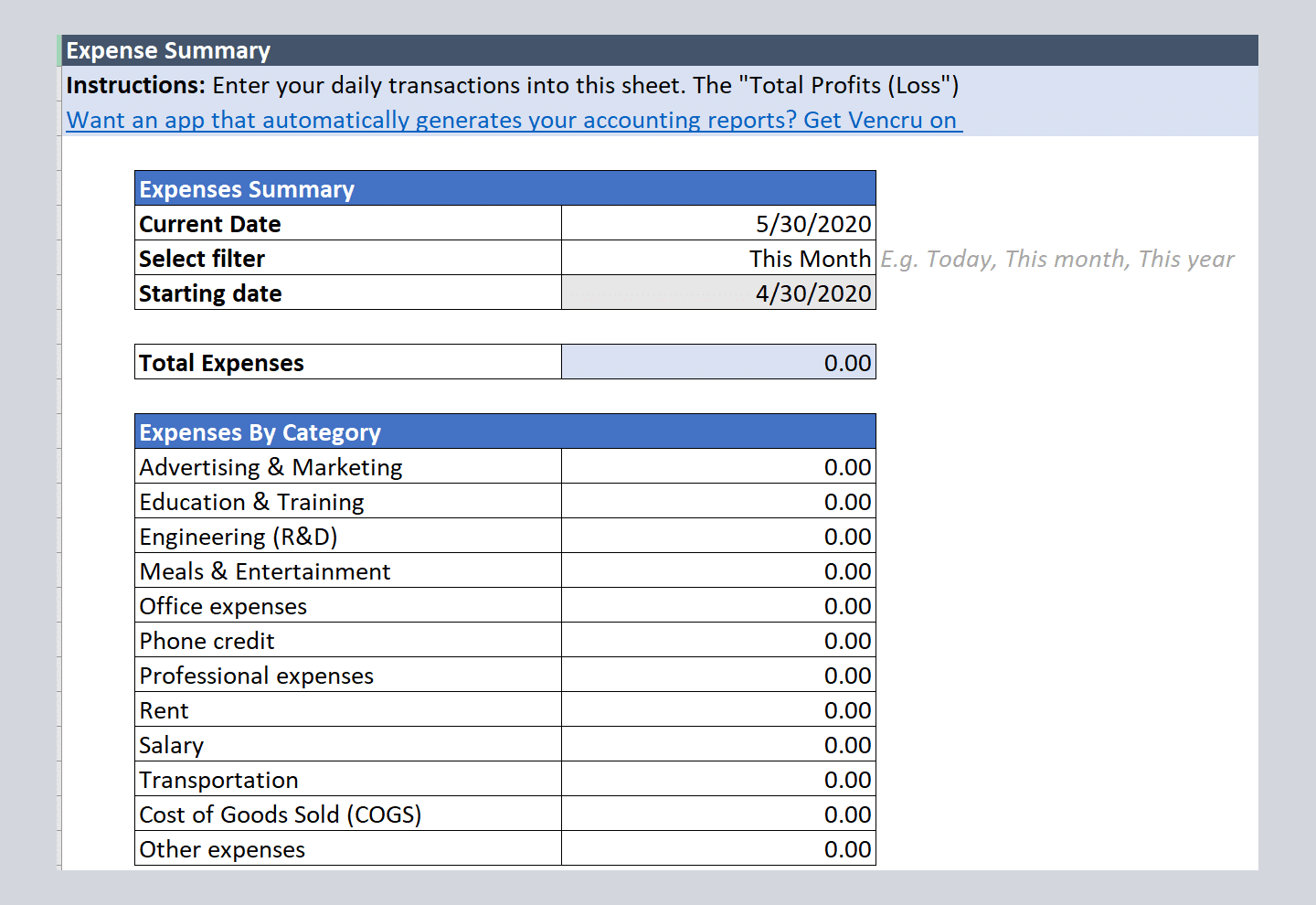
  4. Expense report
  5. Profit and loss statement
See how Vencru helps retailers
For wholesalers

Keep credit sales clear. Stay on top of balances.

Track invoices and payments, review overdue accounts, and share a clear statement with each customer.

  1. Sales invoice
  2. Accounts receivable
  3. Aging report
  4. Billing statement
  5. Profit and loss statement
See how Vencru helps wholesalers

These are suggested starting sets. Each link opens a separate resource; do not assume the spreadsheets update one another.

The free template library

Accounting and bookkeeping spreadsheets.

Browse all 12 resources or choose a task below. Each card shows what the template is for and where its link takes you.

12 of 12 templates shown

Profit & reports

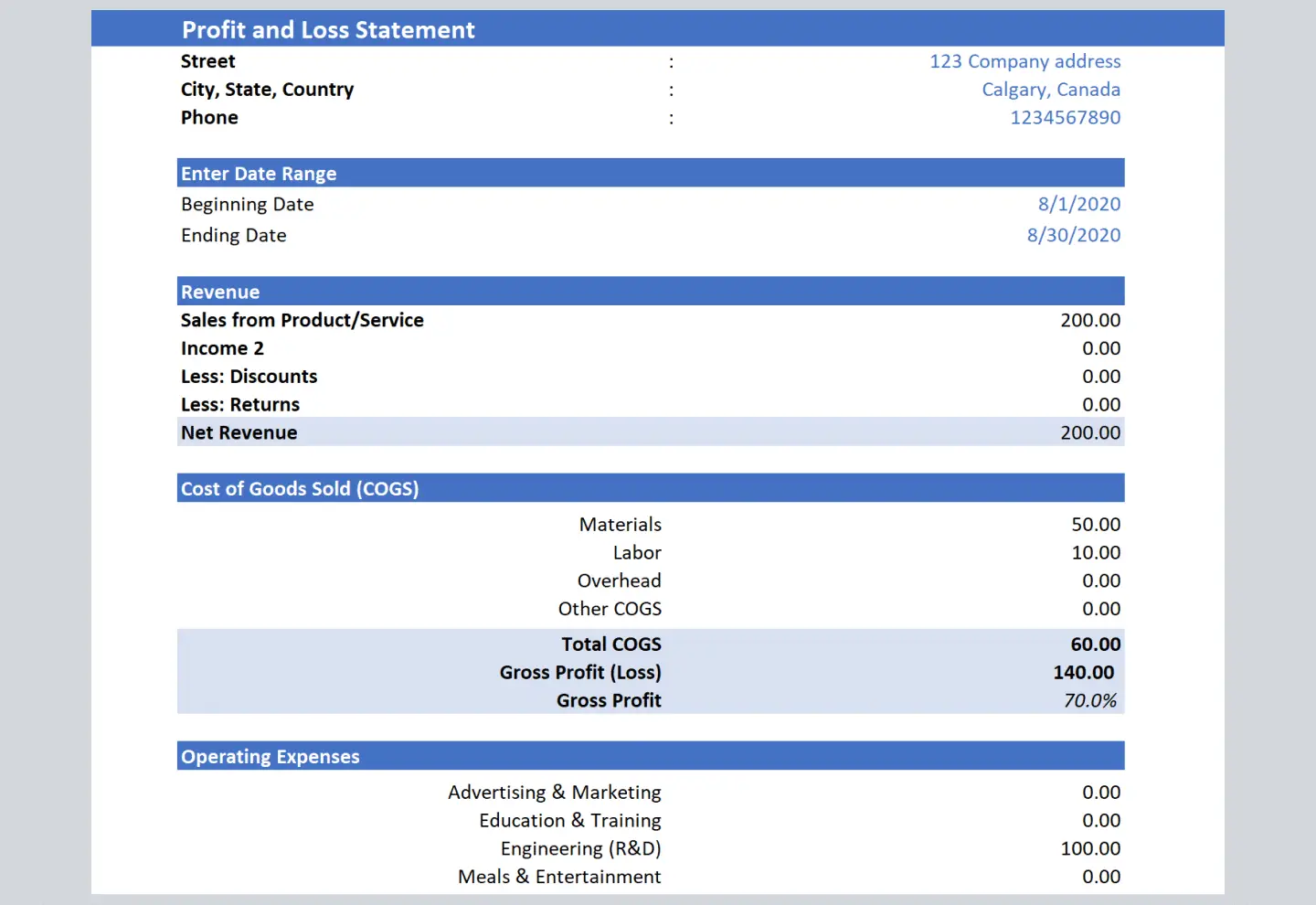
Profit and loss statement template

See how sales and costs affect your profit for a set period. Use a profit and loss spreadsheet to bring revenue, cost of goods sold, and business expenses into one report.

Best for: Review a month, quarter, or year of trading.

How to use it
Choose your report dates, gather sales and cost records, then enter and check your totals.

One thing to keep in mind

For a product business, use the cost of the goods sold in the period when working out gross profit.

Get the template Template download page
Do this in Vencru. Build your profit report from the sales and expenses you record in Vencru. Explore accounting reports
Cash & expenses

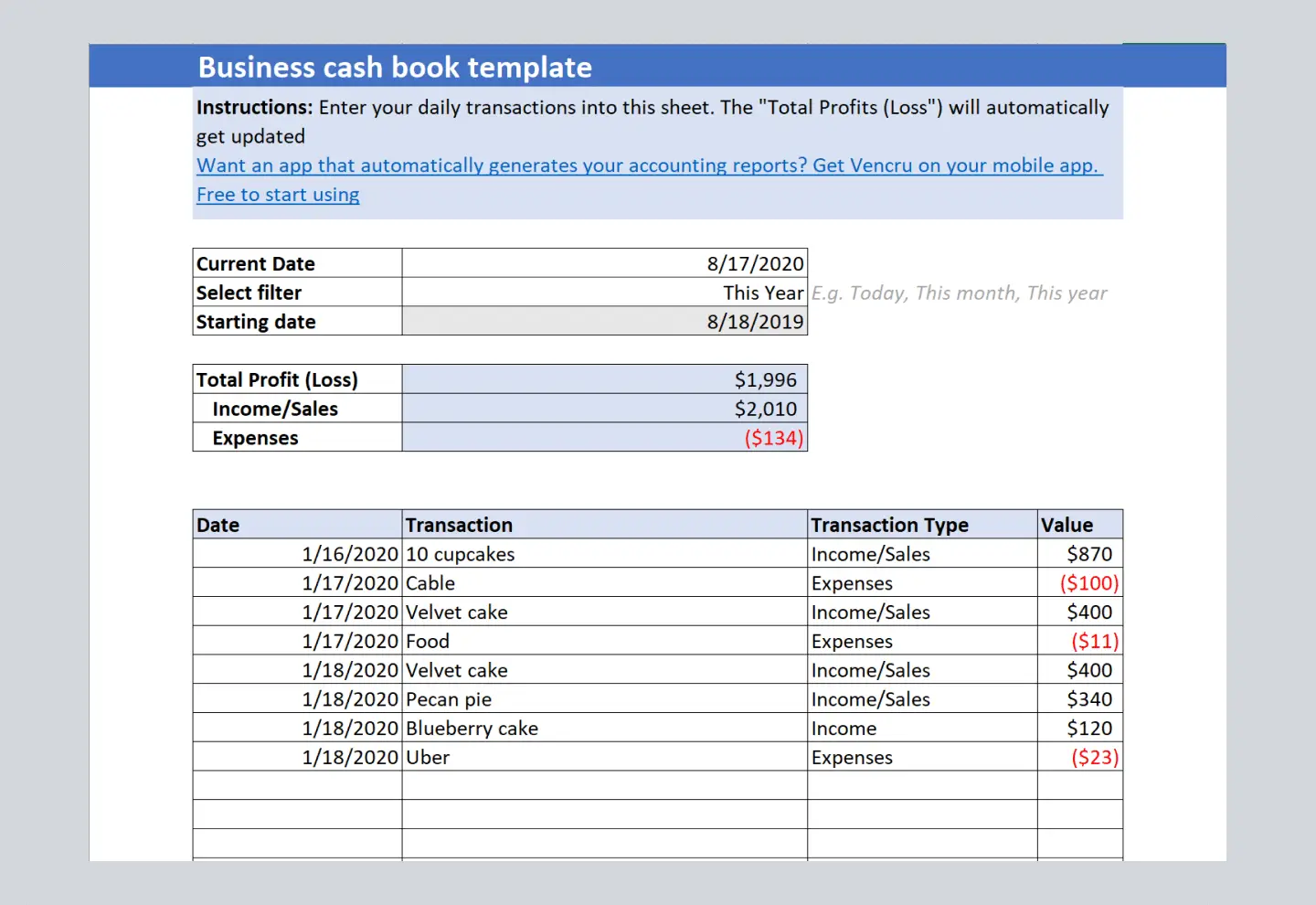
Excel cash book template

Keep a record of money received and money paid out. A cash book is a useful starting point for tracking shop takings, supplier payments, rent, and other cash or bank transactions.

Best for: Keep a daily record of money in and money out.

How to use it
Add each receipt and payment, include a clear reference, then check entries against your cash and bank records.

One thing to keep in mind

Cash received is not always the same as sales made: customers may pay an earlier invoice.

Get the template Template download page
Do this in Vencru. Keep income and expense records alongside your customer and supplier activity. See accounting in Vencru

Profit & reports

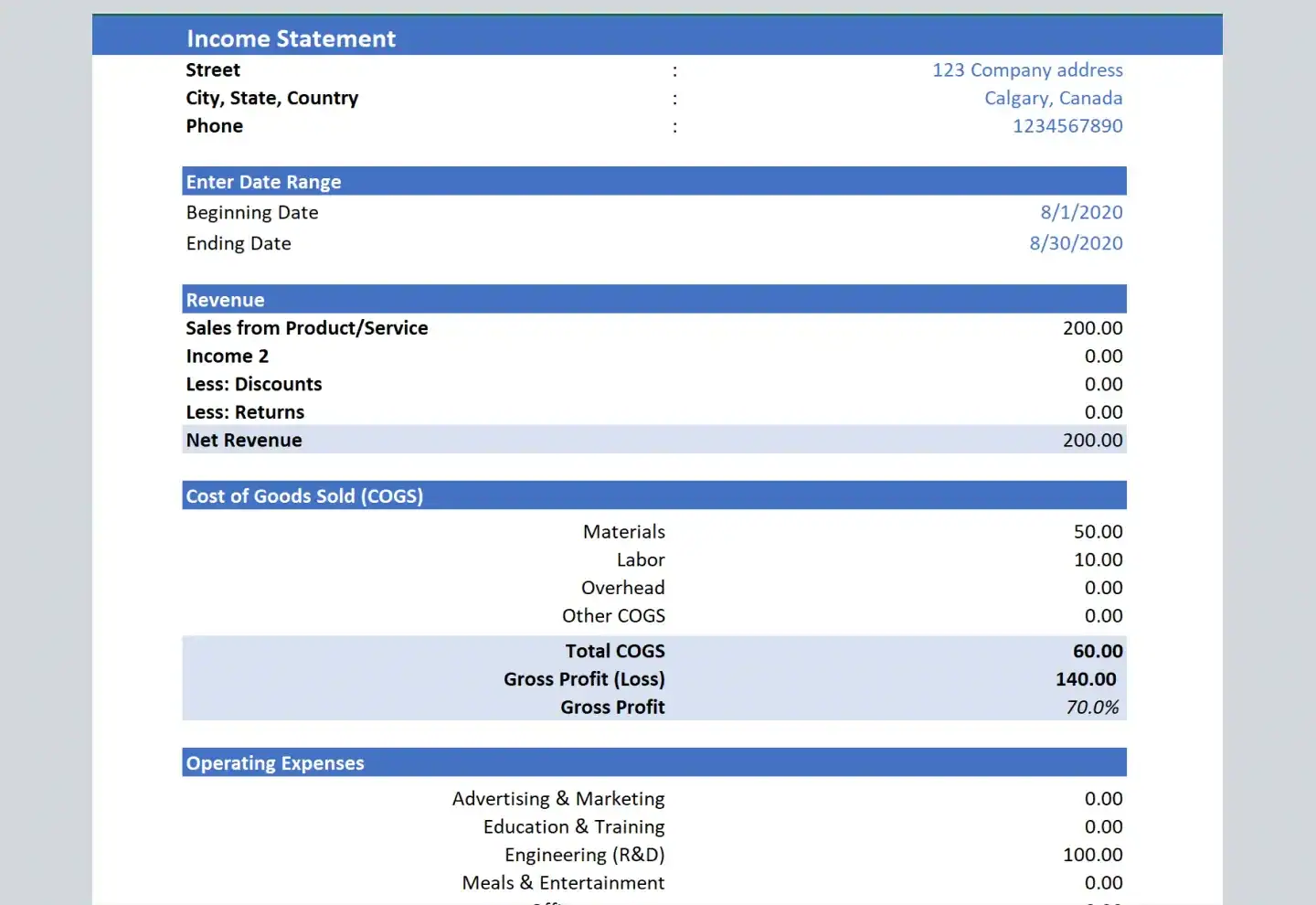
Income statement template

Summarize your revenue, costs, and net profit or loss. An income statement is another name for a profit and loss statement; choose the layout that suits your records.

Best for: Prepare a clear view of business performance.

How to use it
Set your report period, enter revenue and costs, then check the net result against your source records.

One thing to keep in mind

Keep the same reporting period and categories when comparing results from one month to the next.

Get the template Template download page
Do this in Vencru. Review your income statement without rebuilding the same report in a new spreadsheet. Explore financial reports

Profit & reports

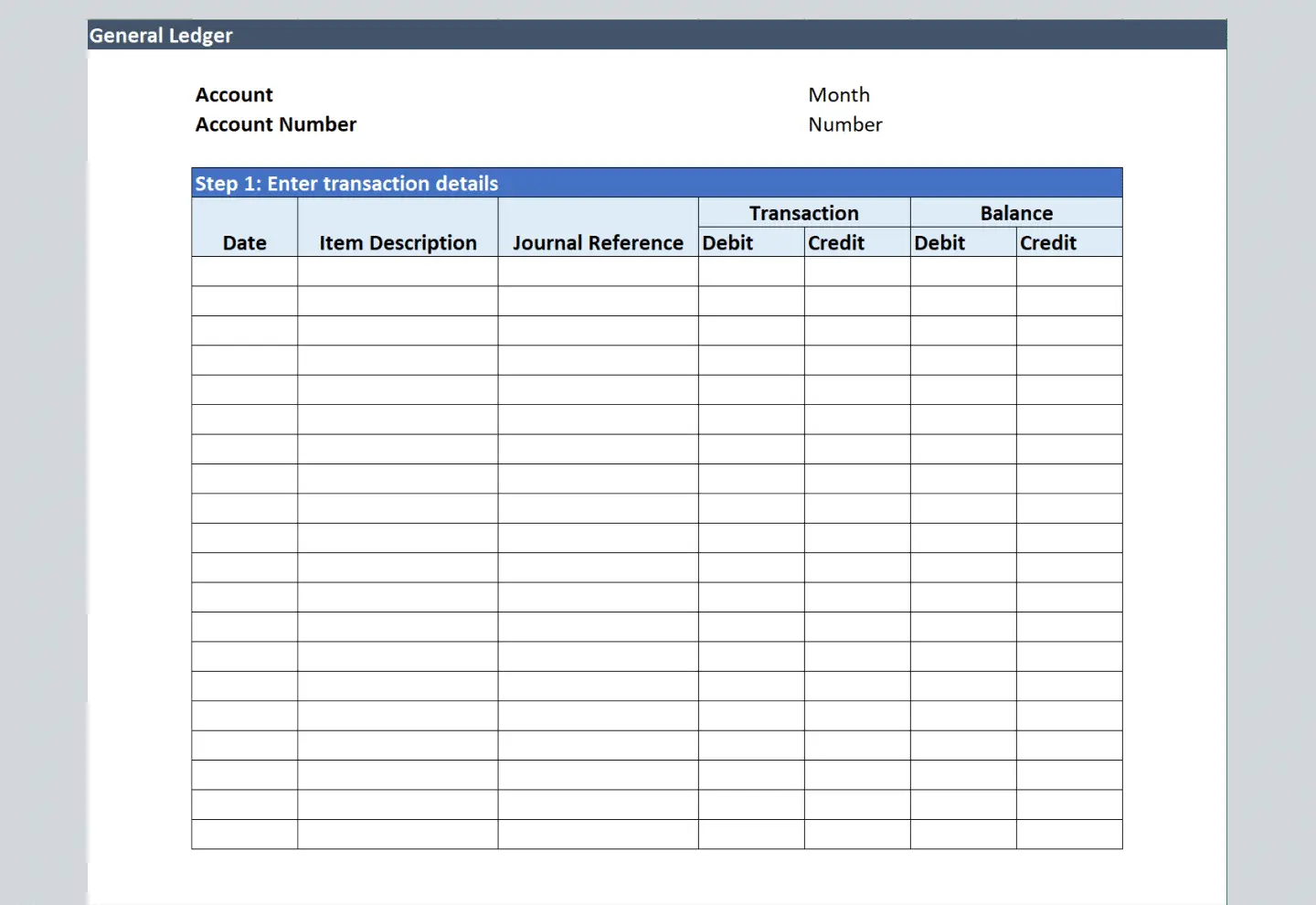
General ledger template

Organize account activity so you can review the entries behind your balances. A general ledger spreadsheet helps you keep financial records by account, with clear transaction references.

Best for: Review account entries and support a month-end check.

How to use it
Choose the account, record the date and reference, then enter and check the debit or credit activity.

One thing to keep in mind

Use consistent account names and keep invoices, bills, receipts, and other source records for each entry.

Get the template Template download page
Do this in Vencru. Access account activity and financial reports in the same system as your sales and purchases. Explore double-entry accounting

Profit & reports

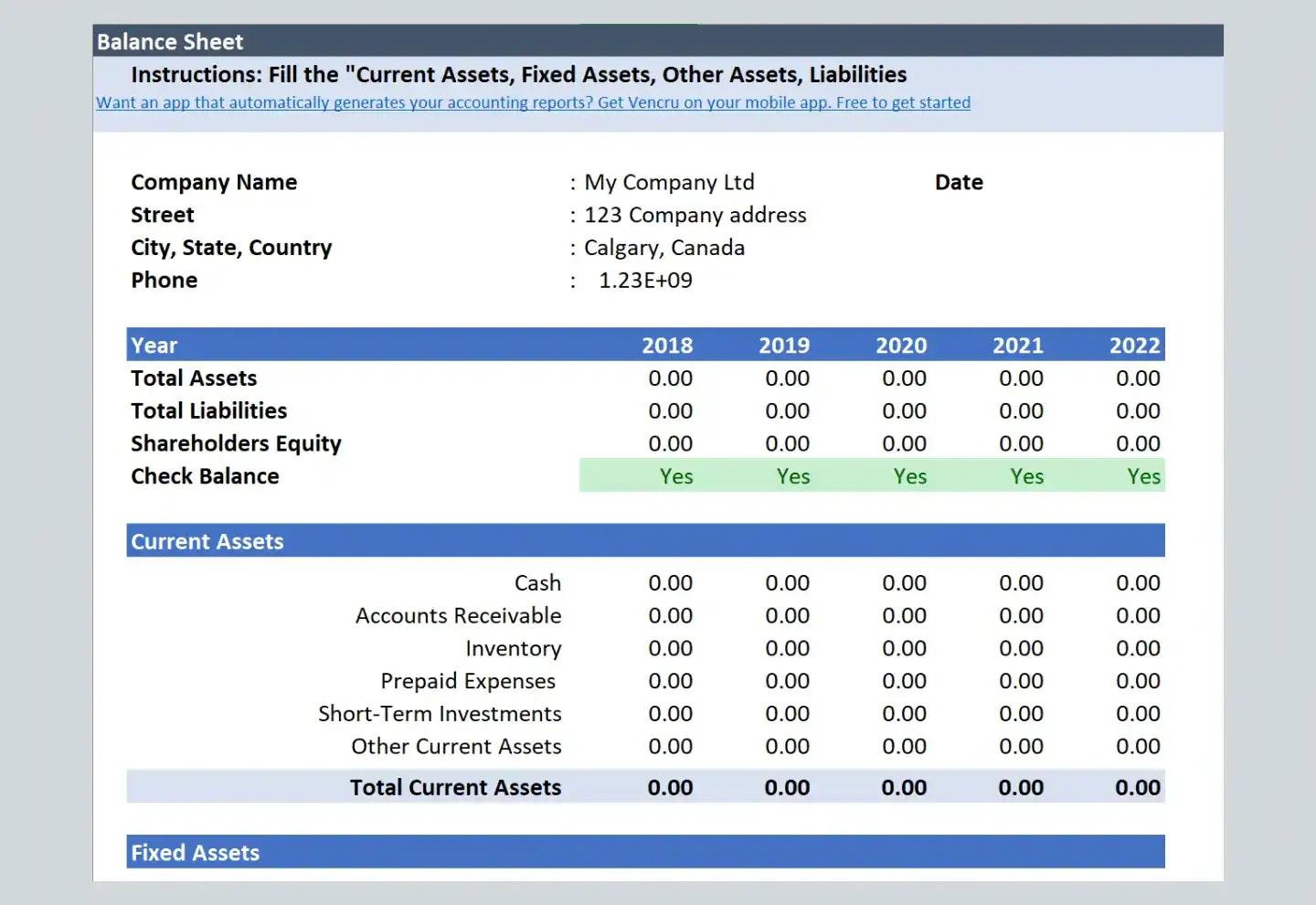
Balance sheet template

Review what your business owns, what it owes, and its equity at a chosen date. Use a balance sheet spreadsheet alongside your profit report to get a fuller view of your business.

Best for: Prepare a snapshot of your financial position.

How to use it
Choose an as-of date, gather your account balances, then check that assets equal liabilities plus equity.

One thing to keep in mind

For retailers and wholesalers, stock on hand and unpaid customer balances are important parts of that picture.

Get the template Template download page
Do this in Vencru. Review your balance sheet alongside your ledger and other accounting reports. See financial reports in Vencru

Sales & invoices

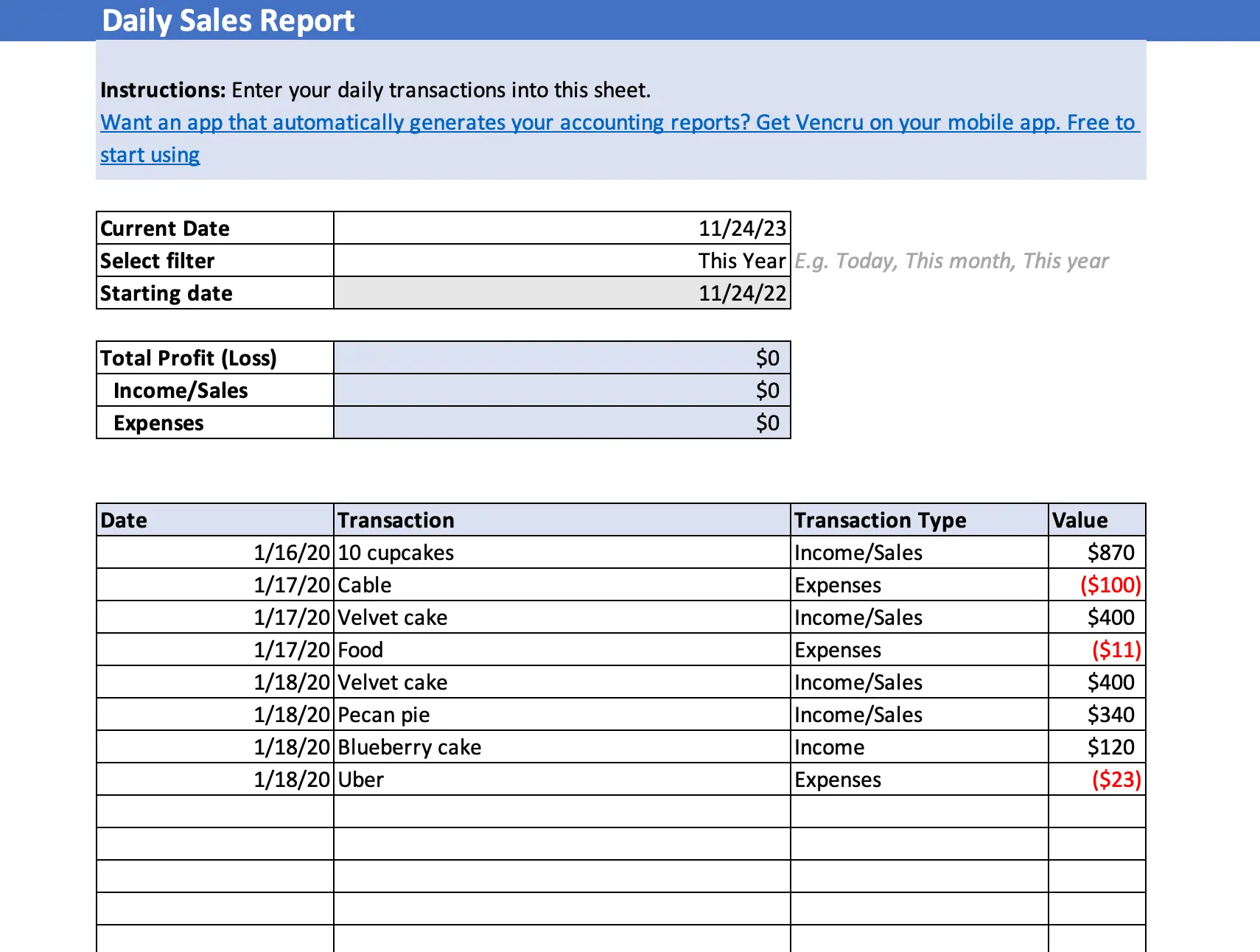
Daily sales report template

Keep a clear view of each day's sales. Use a daily sales spreadsheet to bring your sales records together, compare trading days, and review the figures before your next stock order.

Best for: Review shop sales and daily trading activity.

How to use it
Choose the sales date, gather the day's records, then enter and review your daily totals.

One thing to keep in mind

Keep refunds, payment receipts, and sales records clear so you can explain the totals at close of day.

Get the template Template download page
Do this in Vencru. Record sales in Vencru and review sales reports alongside your stock records. See Vencru for retailers

Sales & invoices

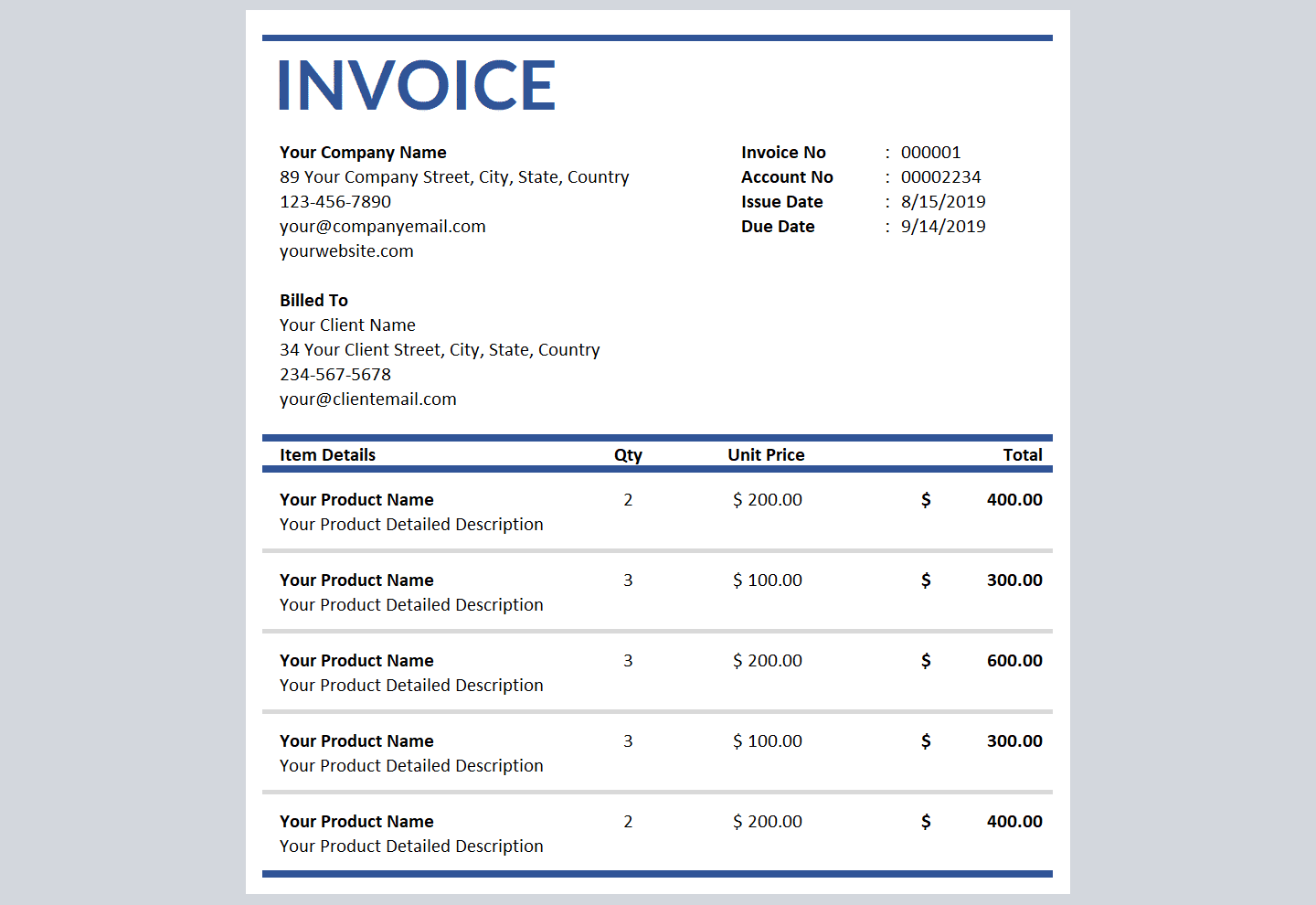
Sales invoice templates

Create a clear bill for the goods or services you sell. Choose an invoice layout, add your business and customer details, and set out the items, amounts, and payment terms.

Best for: Bill a customer for a retail or wholesale order.

How to use it
Choose a layout, add your order details and terms, then check the invoice before sending it.

One thing to keep in mind

Use a unique invoice number and a clear due date so you can track the payment later.

Get the template Invoice template library
Do this in Vencru. Create invoices and track each customer's payments and outstanding balance in one place. Explore Vencru invoicing

Cash & expenses

Expense report templates

Bring business spending into a clear record. Use an expense spreadsheet to organize costs such as rent, delivery, travel, and supplies, with notes that help explain each payment.

Best for: Keep operating costs and supporting records in order.

How to use it
Choose the period, enter each cost with a category and reference, then check the total against your records.

One thing to keep in mind

Keep a receipt or bill reference for each cost. Review stock purchases separately from day-to-day operating expenses.

Get the template Expense template library
Do this in Vencru. Record expenses in the same system as your sales, purchases, and accounting reports. See bookkeeping in Vencru

Customer balances

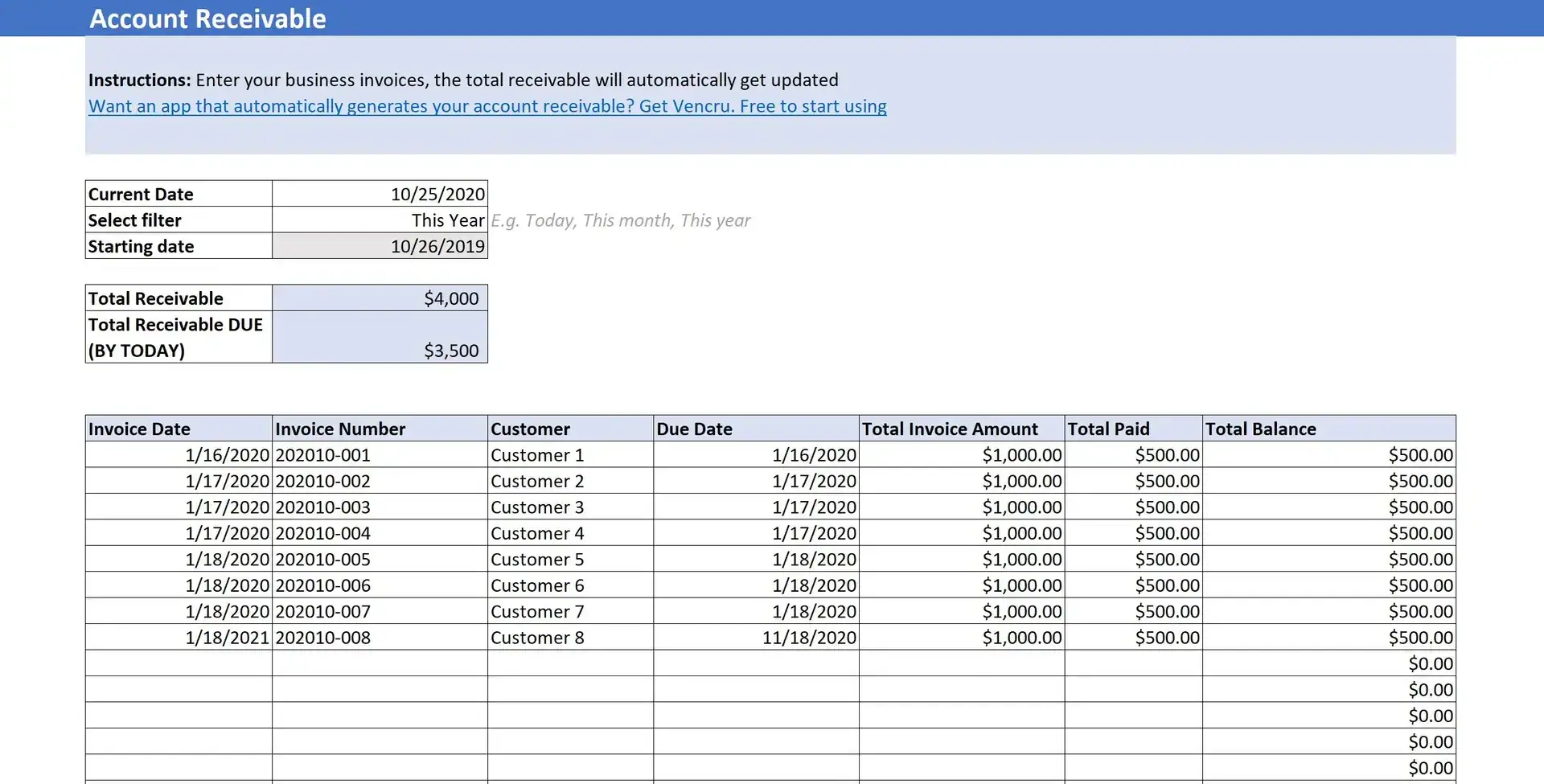
Accounts receivable template

Track the money customers still owe you. This accounts receivable spreadsheet helps you review invoice values, customer details, due dates, and outstanding balances.

Best for: Manage wholesale credit sales and unpaid invoices.

How to use it
Add your open invoices, record payments against the right invoice, then review what remains due.

One thing to keep in mind

Update the record after each payment, including part payments, so the amount due stays clear.

Get the template Excel file · .xlsx
Do this in Vencru. Keep invoices, part payments, and customer balances together as you work. See Vencru for wholesalers

Customer balances

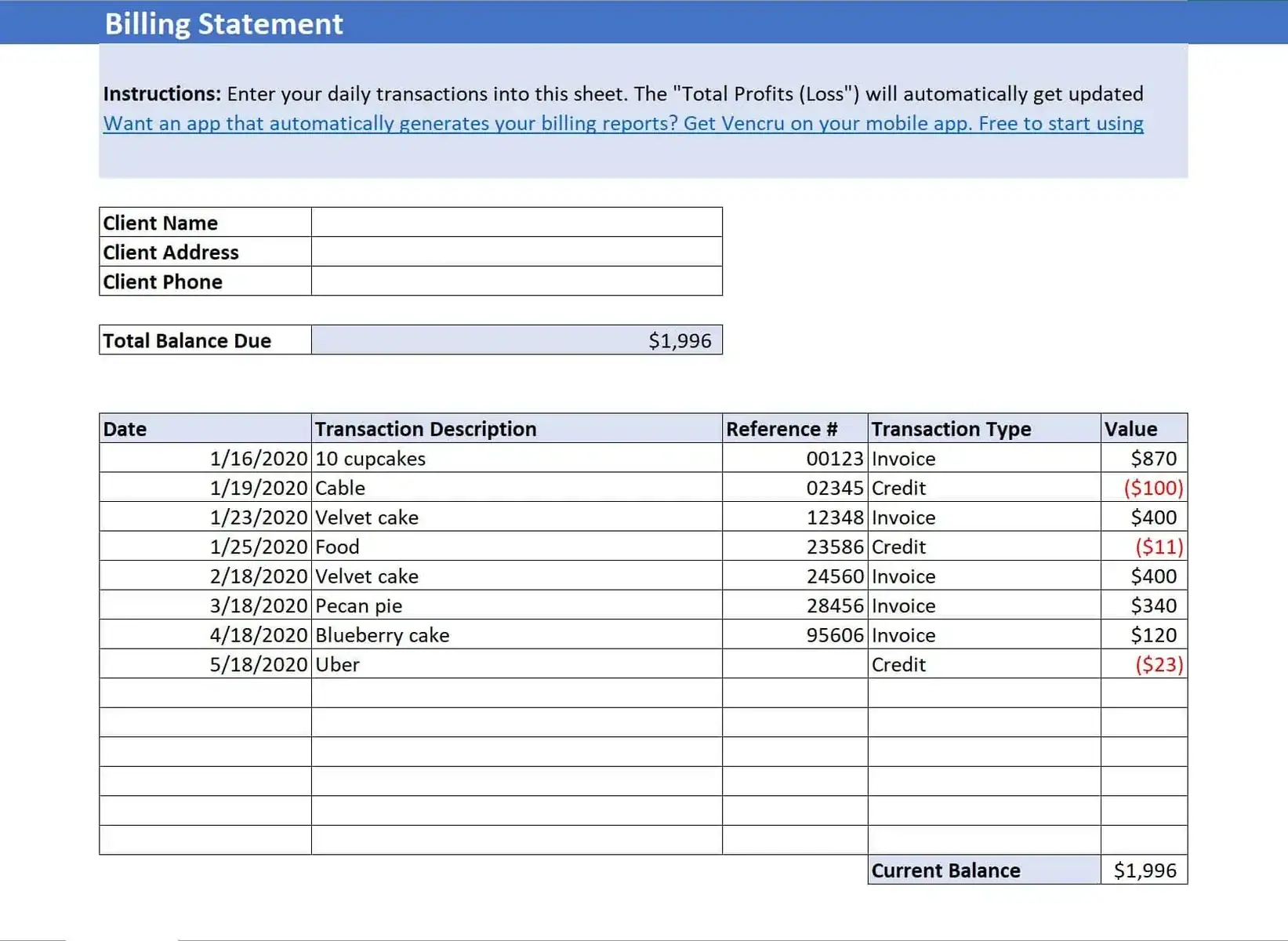
Billing statement template

Give a customer a clear summary of their account activity. A billing statement brings together charges, payments, and the balance due for a chosen period.

Best for: Send an account summary to a repeat customer.

How to use it
Choose a customer and statement period, gather their transactions, then check the balance before sharing.

One thing to keep in mind

A statement summarizes account activity. Keep the original invoices as the records for each sale.

Get the template Template download page
Do this in Vencru. Generate customer statements from the invoices and payments recorded in Vencru. Explore wholesale customer records

Stock & costs

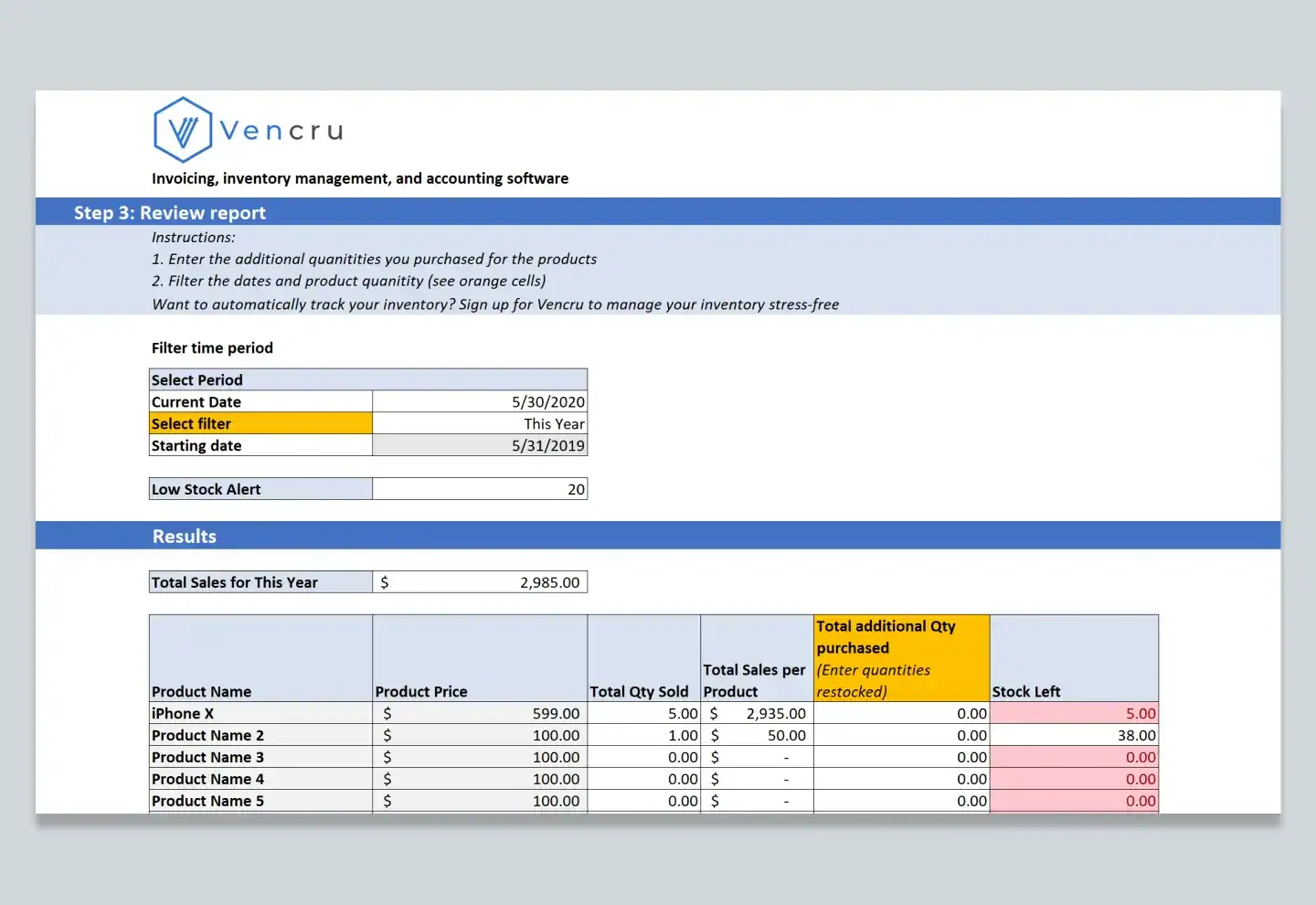
Inventory spreadsheet templates

Keep a record of the products your business holds. Choose an inventory spreadsheet to track item details and stock levels, and use it to support stock checks and buying decisions.

Best for: Organize stock records for a shop or wholesale business.

How to use it
Choose a layout, add your items and starting quantities, then update it as stock changes.

One thing to keep in mind

A spreadsheet depends on the stock changes you enter. Check physical stock against your records on a regular basis.

Get the template Inventory template library
Do this in Vencru. Keep sales and stock records connected instead of updating separate lists after each order. Explore inventory management

Customer balances

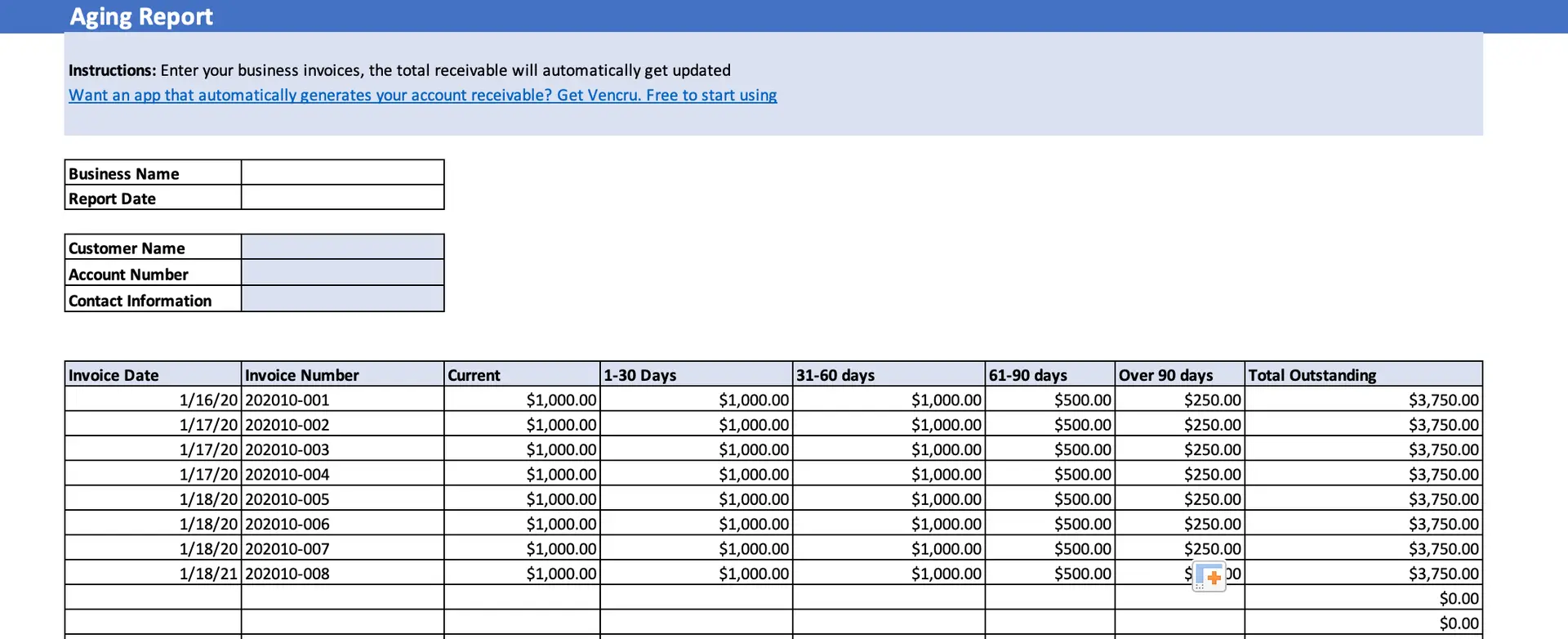
Accounts receivable aging report template

See which customer balances are overdue and how long they have been unpaid. An aging report helps you decide which accounts to follow up on first.

Best for: Prioritize overdue invoices and credit control.

How to use it
Gather open invoices and due dates, choose your report date, then review overdue balances.

One thing to keep in mind

An aging report groups balances by age. A customer statement shows one customer's account activity.

Get the template Template download page
Do this in Vencru. Review overdue customer balances alongside your invoice and payment history. See wholesale accounting in Vencru

From one sale to a clear balance

One order. More than one record.

Say you invoice a wholesale customer for $1,000 and they pay $600. Your invoice, payment record, and customer balance each have a job to do.

  • The invoice records the $1,000 sale.
  • The payment record shows the $600 received.
  • The receivables record shows $400 still due.
  • If that $400 becomes overdue, the aging report helps you spot it.

With separate spreadsheets, you update and check each record. Vencru keeps invoice and payment history alongside the customer's balance.

Explore wholesale accounting
A part-paid wholesale order Simple example
Invoice total
$1,000
Payment received
$600
Outstanding balance
$400

Illustrative amounts, with no credit note, refund, or other adjustment. The invoice total stays $1,000.

When your business needs more

Start with a spreadsheet. Keep growing with Vencru.

Templates give you a place to record the numbers. Vencru brings stock, sales, purchases, and accounting into one system as your work grows.

With separate spreadsheets
With Vencru
Record a sale
Create the invoice and update other files as needed.
Keep invoices and sales records in one system.
Track a payment
Update the invoice and customer balance records.
Record payments against invoices and review balances.
Manage stock
Enter stock changes and check them against sales.
Keep stock and sales records connected.
Review profit
Gather totals and prepare the report.
Use accounting reports built from recorded transactions.
Share customer activity
Gather invoices and payments into a statement.
Generate customer statements from account records.

Less time moving numbers. More time running your business.

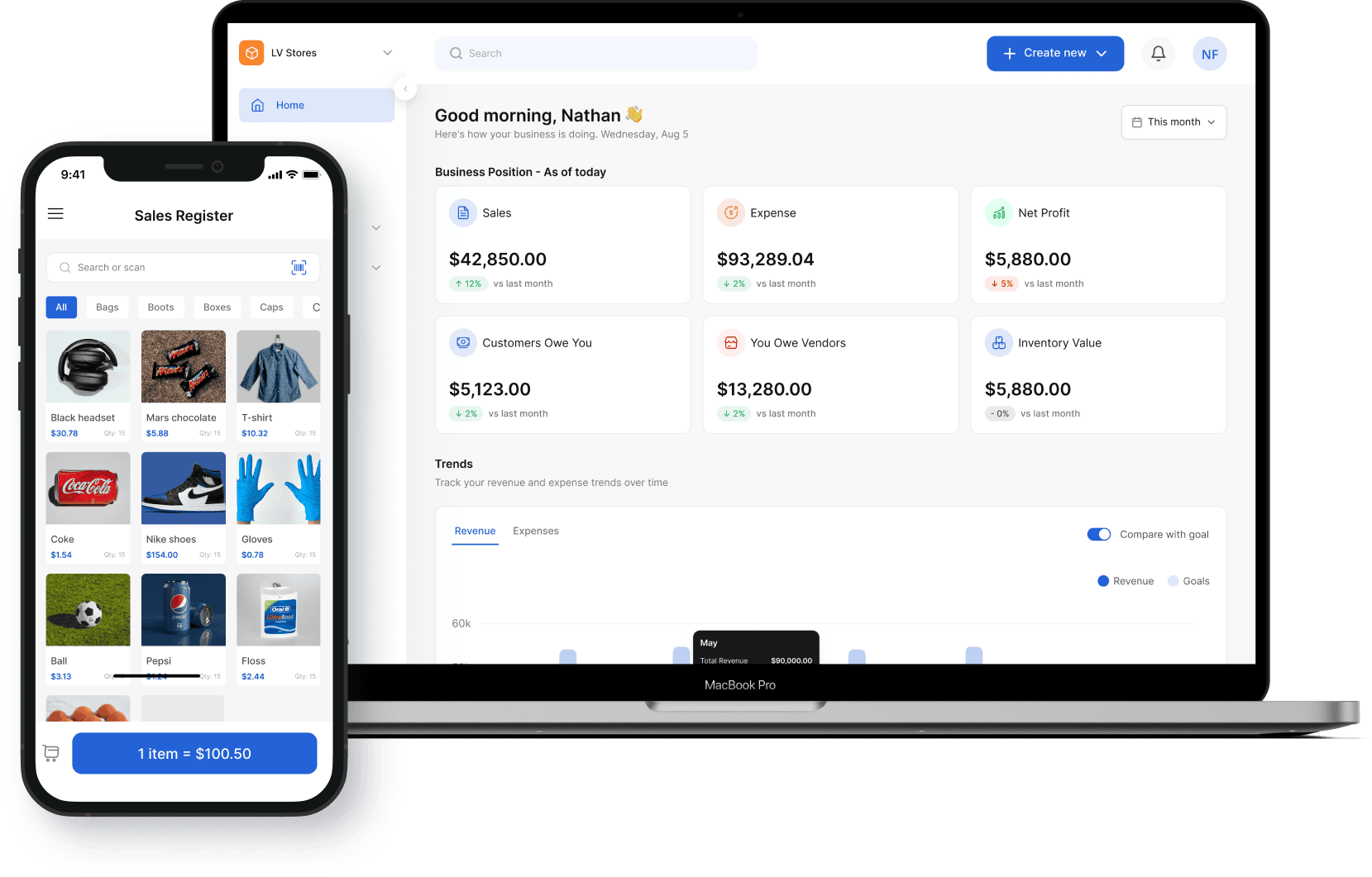
Bring sales, stock, expenses, and customer records together. Review your business from the web or mobile app, with a clear path from each transaction to your reports.

Features and limits vary by plan. Double-entry accounting reports are listed on Growth and Enterprise.

Less time moving numbers. More time running your business.

Common questions

Accounting template FAQs.

Get clear on formats, which files to start with, and when connected records may help.

Explore Vencru accounting

Are these accounting templates free?

Yes. The templates linked from this library are free. Some links open a template page with a download form, some open a choice of layouts, and the accounts receivable link downloads an Excel file. You do not need to start a Vencru trial to use a template.

Can I use the templates in Excel or Google Sheets?

Check the individual template page for the format offered. To use an Excel file in Google Sheets, upload it to Google Drive and open it with Sheets. Check the formulas, number formats, and totals after import; support can vary by file.

Which bookkeeping templates should a retailer start with?

Start with daily sales, a cash book, inventory, expenses, and a profit and loss statement. These cover distinct jobs: trading activity, money received and spent, stock records, operating costs, and profit. Choose the files that fit your shop’s work.

Which templates help wholesalers manage credit sales?

Use an invoice for each sale, an accounts receivable record for unpaid balances, an aging report for overdue amounts, and a billing statement to share account activity with a customer. Update the records when a customer makes a payment.

Are a profit and loss statement and an income statement the same?

Yes. Both report revenue, expenses, and profit or loss for a period. This library links to both template pages so you can choose a layout that suits your records.

Is a cash book the same as a cash flow statement?

No. A cash book records cash and bank receipts and payments. A cash flow statement summarizes cash flows across operating, investing, and financing activities. Choose the cash book when you need a record of money in and out.

Do these separate spreadsheets update each other?

Do not assume they do. These are separate template resources. You may need to carry figures between files and check that dates, balances, and totals match. Follow the instructions for the file you choose.

How should a product business track profit in a spreadsheet?

Keep sales, the cost of goods sold, and operating expenses clear. Stock on hand and the cost of goods sold serve different purposes. Use consistent reporting dates and check your figures against the records that support them.

Can I import a completed accounting workbook into Vencru?

A full accounting workbook is not the same as a supported import file. Check Vencru’s current import options and required columns for the records you want to add. Do not assume that formulas, balances, or reports from a workbook will transfer.

When should I move from spreadsheets to Vencru?

Consider Vencru when you keep entering the same sale in several files, struggle to track customer balances, or need stock and accounting records in one place. You can explore the software with a 14-day trial. Features and limits depend on your plan; check the pricing page for details.

Stock. Sales. Books. Together.

Ready to bring your records together?

Start with the template you need today. When separate files slow you down, use Vencru to manage stock, sales, and accounting in one place.

Start your 14-day trial Book a demo

Find the plan that fits your business.